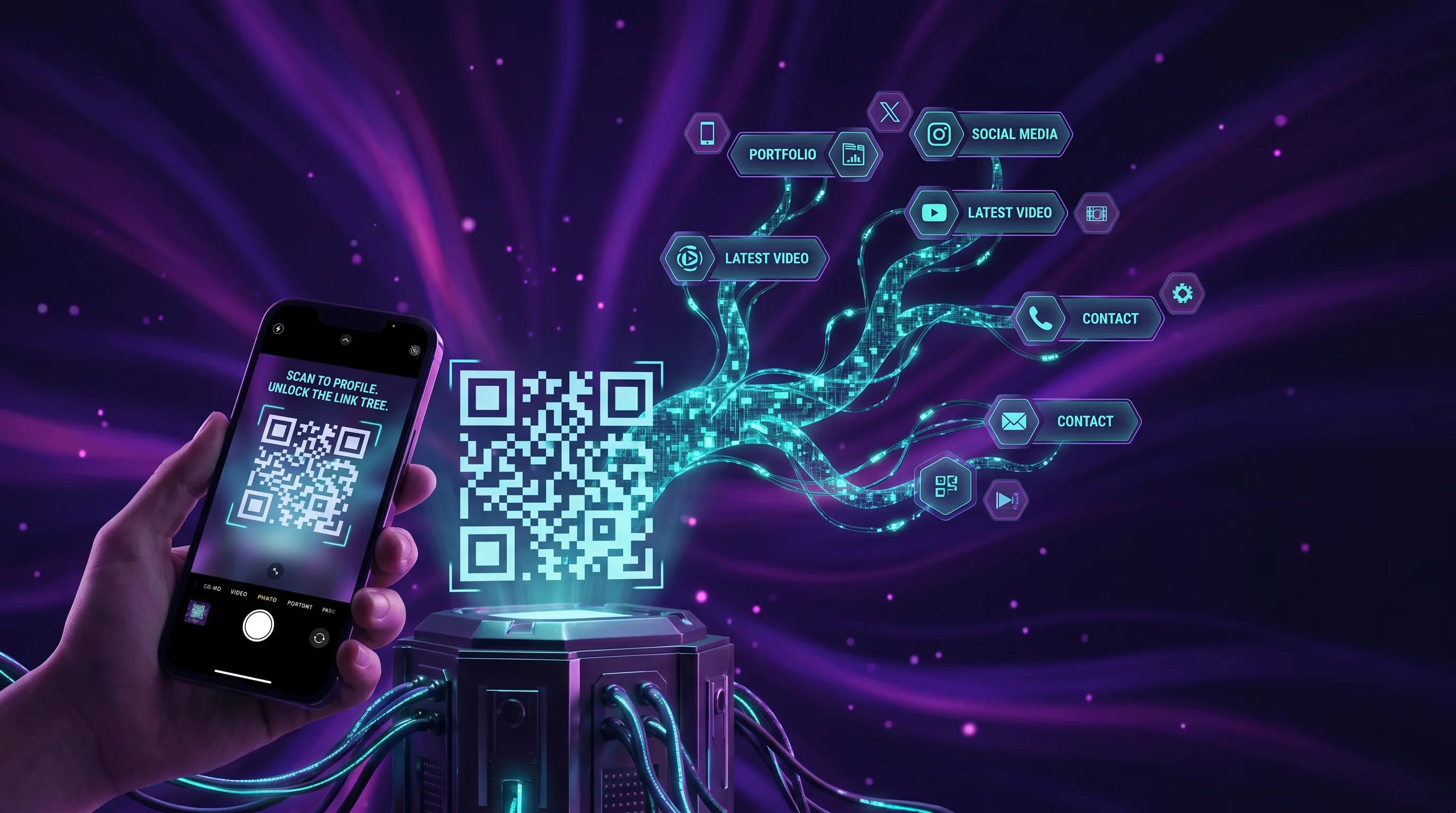
The URL linktr.ee/yourbusiness looks reasonable in a browser. On a business card, poster, or product label, it is next to useless. Nobody types URLs from printed materials in 2026. They scan. A QR code instead of a Linktree URL solves the scan problem - and it does something a Linktree URL never can: it works offline, survives plan cancellations, and remains editable without reprinting.
This guide explains exactly why a QR code linked to a multi-link landing page outperforms a Linktree URL for every physical touchpoint in your marketing.
Key Takeaways
- Linktree URLs require typing - which almost nobody does from printed materials in 2026.
- A QR code linked to a multi-link page gives you the same bio link benefits, plus scan tracking and print compatibility.
- If you cancel Linktree, every printed item becomes a dead link. A dynamic QR code stays editable forever.
- QR-Verse creates both the multi-link page and the QR code in one step - no two-tool workflow required.
- You can create a free multi-link QR code and add it to your next print run in minutes.
Moving your links across? Start in the generator with a multi-link code: every link behind one QR.
Start with multi-linkThe Print Marketing Problem Linktree Does Not Solve
Linktree is a URL. linktr.ee/yourname is a web address. You can put it on a business card, a flyer, or a poster - and most people will ignore it completely.
The numbers support this. According to research on physical-to-digital conversion, QR codes on printed materials convert at dramatically higher rates than typed URLs. The reason is friction. Typing a URL - even a short one - requires:
- Locking your phone
- Opening a browser
- Tapping the address bar
- Typing the URL correctly
- Hoping there are no typos
A QR code requires: point camera, tap the notification.
For print marketing - business cards, flyers, event posters, product packaging, trade show displays, restaurant tables, retail signage - QR codes are not an upgrade. They are the expected standard.
A Linktree URL has no role in this world.
Business Cards: The Clearest Example
You have 3.5 inches by 2 inches. You have your name, job title, company, phone number, email, and website. Adding linktr.ee/yourname uses space you could use for anything else - and provides almost no value because nobody will type it.
Add a QR code instead. It takes approximately the same space, adds a professional visual element, and gives anyone who scans it instant access to your full digital presence: your website, LinkedIn, portfolio, booking link, and anything else you choose. Dynamic QR codes let you update those links after the cards are printed.
If your contact information changes, your new job title is different, or you launch a new service - you update the link behind the QR code. The physical card remains accurate. With a Linktree URL on a card, you have to reprint to make any structural change.
The multi-link QR code tool at QR-Verse creates a QR code and a branded multi-link page in the same session. No separate Linktree account needed.
Flyers and Posters: Where Linktree Breaks Completely
Imagine a gig poster. The band name, the venue, the date, the time. Below that: a QR code that opens a page with ticket links, the band's Spotify, Instagram, and merch store.
Now imagine the same poster with the text: linktr.ee/theband. Three problems:
- Nobody standing in front of a poster types a URL. The conversion rate from printed URL to action is minimal.
- The Linktree page branding dilutes your own. Visitors see Linktree before they see your content.
- If the band's Linktree account goes inactive, the URL fails - and there is no way to know without scanning.
A QR code sidesteps all three problems. The scan is effortless. The landing page is fully branded. And because QR-Verse dynamic codes are editable, you can swap the ticket link to a post-event recap page after the show without changing the QR code printed on any posters still in circulation.
This is the real value of dynamic vs static QR codes in print: the code is permanent, the content is flexible.
Product Packaging: A Linktree URL Creates Long-Term Risk
Product packaging has the longest shelf life of any printed material. A bottle of olive oil, a supplement container, a skincare product - these items may sit on shelves and in homes for months or years. The URL or QR code on the packaging needs to work for the entire product lifecycle.
A Linktree URL on your packaging creates three points of failure:
Platform dependency. If Linktree changes its pricing model, discontinues the free plan, or goes offline, your URL stops working. Your packaging now points to nothing.
Account dependency. If you cancel your Linktree subscription, the URL fails. If you forget to renew your email and lose access to the account, the URL fails. Physical print is permanent; URL-based bio links depend on an active account.
No editability. If you launch a new product line, move your social channels, or need to redirect the packaging URL to a new campaign page, a static URL is frozen. A dynamic QR code lets you update the destination without changing a single piece of packaging.
QR-Verse generates dynamic QR codes that stay editable indefinitely. The code on your packaging can point to a new page any time - without reprinting.
What Happens to Printed Linktree URLs When You Cancel
This is the single most important reason to use a QR code instead of a Linktree URL in print contexts.
When you cancel Linktree:
- Your
linktr.ee/yournameURL goes offline or redirects to a Linktree error page. - Every business card with that URL is now printing dead-end directions.
- Every flyer, poster, or brochure with that URL is permanently broken.
- Every piece of product packaging with that URL is misleading customers.
There is no migration path. You cannot redirect a Linktree URL to a different destination after cancellation.
With a dynamic QR code from QR-Verse:
- The QR code itself is permanent - the pattern does not change.
- The destination URL is editable from your dashboard at any time.
- If you stop using QR-Verse, you can export your codes and manage the destination URL independently.
- Your printed materials retain value indefinitely.
Can I Put a Linktree on a Business Card? (And Should I?)
Technically, you can print linktr.ee/yourname on a business card. In practice, it wastes card space for extremely low conversion.
The alternative is a QR code that opens your multi-link page. It takes similar card real estate, it is scannable in under a second, and it does not require the recipient to type anything.
If you want the bio link benefits on a business card, generate a QR code that opens your multi-link page. QR-Verse creates both in one step. Start with the multi-link QR code guide if you have not done this before.
Do You Need Both a QR Code and a Linktree?
Only if they serve different audiences. Some scenarios where this makes sense:
- Your online audience discovers you through your Linktree social bio URL. Your offline audience discovers you through printed QR codes. Both lead to the same content.
- You have an established Linktree audience and do not want to break existing links. Add QR codes to new print materials pointing to a QR-Verse multi-link page.
In most cases, one tool that does both - multi-link page plus QR code - is simpler, cheaper, and more sustainable. QR-Verse is designed to be that tool.
How to Create a QR Code for Multiple Links
Creating a multi-link QR code with QR-Verse takes under two minutes:
- Go to QR-Verse Create
- Select "Multi-Link" as the QR code type
- Add your links with titles (website, social, booking, portfolio, etc.)
- Customize the landing page colors and appearance
- Download your QR code as PNG (free) or SVG (Pro)
The QR code and the multi-link landing page are created together. You can update the links at any time from your dashboard - no reprinting required.
For a step-by-step walkthrough, see the multi-link QR code guide. If you need different URLs on different pages pointing to different landing pages, the multi-URL QR code guide covers that structure.
The QR Codes and Print Marketing Guide
If you want to go deeper on print marketing applications - business card design, sizing, materials, color contrast, and placement - the complete QR codes and print marketing guide covers all of it. It includes recommended minimum print sizes (typically 2cm x 2cm) and contrast requirements for reliable scanning.
For the QR code creation step itself, the multi-link QR tool at QR-Verse handles everything from code generation to landing page setup without requiring design software.
FAQ
Can I put a Linktree on a business card?
You can print a Linktree URL on a business card, but very few people will type it. A QR code linked to a multi-link page converts far better - one tap on the camera opens all your links instantly. The card space is similar, but the conversion difference is significant.
What happens to my Linktree if I cancel?
When you cancel Linktree, your linktr.ee URL goes offline. Any printed materials with that URL - business cards, flyers, packaging, posters - now point to nothing. There is no way to redirect a cancelled Linktree URL to a new destination. This is a key risk of URL-only bio link tools for anyone using them in print.
Do I need a QR code AND a Linktree?
Not if you use a tool that provides both. QR-Verse creates a multi-link landing page and a scannable QR code pointing to it in one step. If you already have an established Linktree following, you can maintain both temporarily during a transition - but running two separate systems adds unnecessary complexity for most users.
How do I create a QR code for multiple links?
Go to QR-Verse, select "Multi-Link," add your URLs with titles, customize the page, and download your QR code. The code and the landing page are created together. Links can be added, removed, or reordered at any time from your dashboard without changing the QR code itself.
What size should a QR code be on a business card?
A QR code on a standard business card typically works well at 1.5cm x 1.5cm to 2cm x 2cm. Anything smaller risks scan failure on lower-resolution cameras. Use high contrast - dark code on a light background works best. For detailed size guidance across different print applications, see the QR codes and print marketing guide.
Can I track who scans my QR code?
Yes. QR-Verse dynamic QR codes include scan analytics: total scans, device type, location (country/city), and time of scan. On the Pro plan (EUR 4.99/month), you also get per-link click data showing which links on your multi-link page your audience actually taps. Linktree's free plan shows only total page views without link-level detail.
Ready to create your QR code?
Free plan available. No signup required. Create professional QR codes in seconds.
Ready to try it yourself?
Create professional QR codes with tracking, custom colors, and AI-generated art.
Create your QR code in seconds
No signup, no credit card. 27 QR types with full customization. Upgrade to Pro (EUR 4.99/mo) for unlimited power.
Share this article
Related Articles
8 Linktree Alternatives Compared by Price (2026)
8 Linktree alternatives compared on monthly price, sales commission, QR codes and analytics - free and paid options with a verdict per use case.
Read More
QR Code for Bio Link: One Print, All Your Links
A QR code and a bio link page are complementary tools, not competing ones. QR-Verse generates both - so one printed code opens all your links on any surface.
Read More
QR Code for Multiple Links - Free Multi-Link Guide
Create a QR code for multiple links in 2 minutes. One scan opens all your URLs. Better than Linktree - free, no branding, with analytics.
Read More