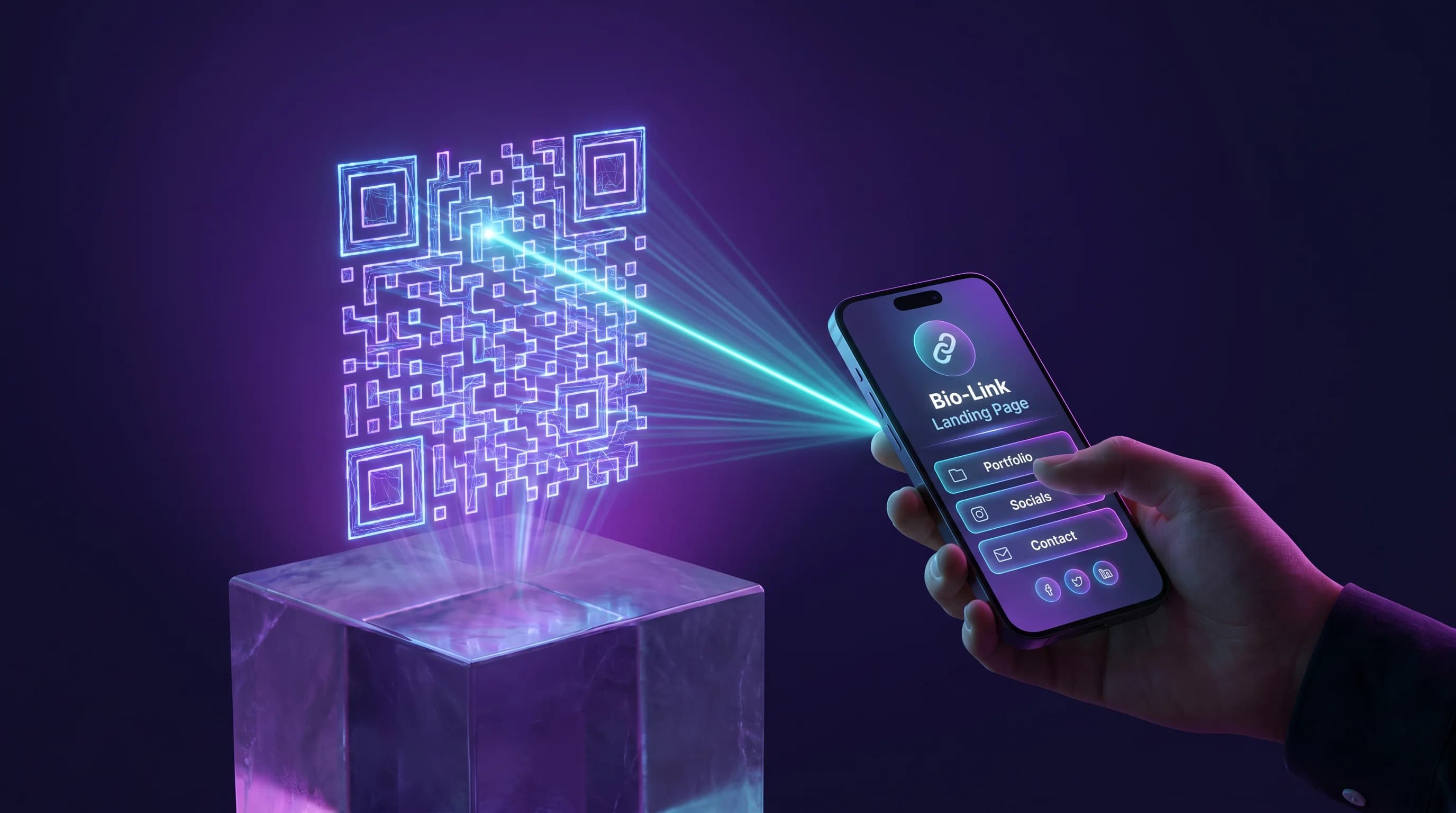
A bio link page and a QR code solve two halves of the same problem. The bio link page aggregates all your links in one place. The QR code makes that page accessible to anyone in the physical world in under a second. Used together, they cover every surface where you want to direct an audience - your Instagram bio, your business card, your packaging, your poster, your merch, your storefront.
Used separately, both tools leave value on the table. A bio link URL without a QR code does not work on printed materials. A QR code without a multi-link page sends everyone to a single destination. QR-Verse generates both in one step - the QR code and the bio link page are the same product.
Key Takeaways
- A bio link page and a QR code complement each other: the bio link page is the destination, the QR code is the physical-world access point.
- QR-Verse creates both the QR code and the multi-link landing page simultaneously.
- One printed QR code can serve business cards, product packaging, event posters, and merch indefinitely.
- Links on your bio link QR code are editable after printing - no new print run needed when links change.
- You can create a free bio link QR code in under two minutes.
Moving your links across? Start in the generator with a multi-link code: every link behind one QR.
Start with multi-linkWhat Is a Bio Link QR Code?
A bio link QR code is a scannable code that opens a multi-link landing page when scanned. Instead of one URL, the page shows a curated list of your most important links: your website, social profiles, latest content, booking page, shop, press kit, or anything else.
The page is mobile-optimized and designed to work on small screens. When someone scans the QR code, the landing page opens instantly in their browser - no app required, no download needed.
The difference between a standard bio link and a bio link QR code is the access point. A bio link URL in your Instagram bio reaches your Instagram audience. A bio link QR code reaches anyone with a phone camera - at a trade show, scanning your business card, in front of your shop window, looking at your product on a shelf.
Bio Link URL Only
Works in digital contexts where clicking is possible: Instagram bio, email signatures, Twitter/X profile. Useless on printed materials - nobody types URLs from a business card.
Bio Link QR Code
Works everywhere: Instagram bio QR code, business cards, packaging, posters, event displays, product tags. One code opens all your links in one tap.
Why QR Code and Bio Link Work Better Together
Most creators and businesses treat these as separate tools. They have a Linktree URL in their Instagram bio and, separately, some QR code generator they use for print. This creates unnecessary complexity:
- Two accounts to manage
- Two sets of links to keep updated (they drift out of sync)
- The print QR code goes to a different page than the bio link
- When plans change on either platform, things break
QR-Verse connects these. You create a multi-link page and a QR code pointing to it in one session. The QR code and the URL both point to the same destination. When you update a link on the page, both access points reflect the change immediately.
This is the bridge the mission brief describes: QR-Verse is the only bio link product with a printable, scannable, dynamic QR code built in by default.
Use Cases: Where a Bio Link QR Code Pays Off
Business Cards
A business card with a QR code in the corner opens your full digital presence when scanned. Name, company, website, LinkedIn, portfolio, booking link - everything accessible from one tap. The card does not need to list every URL individually.
Tap /create to generate a multi-link QR code for your business card. Download as PNG (free) or SVG for crisp printing at any size (Pro).
Product Packaging
A QR code on your product label can open your full brand experience: how-to videos, warranty registration, social profiles, related products, and support. A bio link page behind the QR code lets you update this content without changing the label itself.
If you launch a new product variant or move your social channels, update the links in your dashboard. The code on existing packaging stays accurate.
Merch and Physical Products
Artists, designers, and brands print QR codes on t-shirts, tote bags, stickers, and accessories. A dynamic QR code linked to a bio link page means the merch remains relevant even as your links change. The Spotify link on a shirt from last year still works if you update the destination behind the QR code.
Event Posters and Flyers
Gig posters, workshop flyers, and conference displays with a QR code convert better than those with printed URLs. Scanning is effortless. The multi-link page behind the QR code can include ticket links, the venue address, performer info, and social profiles - all in one scan.
After the event, update the bio link page to point to photos, recordings, or the next event. The QR code on the flyer becomes an archival link rather than a dead one.
Instagram Bio with QR Code Backup
Your Instagram bio already links to your bio link page via URL. Add a QR code to your Story highlights, profile pinned post, or printed materials. This way, both online followers and offline contacts reach the same multi-link page.
The Instagram QR code generator guide covers specific use cases for Instagram, including branded QR codes in Stories and QR codes for profile navigation.
How to Make a QR Code for Your Bio Link
Creating a bio link QR code with QR-Verse takes under two minutes:
- Go to QR-Verse Create
- Select "Multi-Link" as the QR code type
- Add your links with titles (website, Instagram, Spotify, booking page, etc.)
- Customize the landing page appearance - background color and button style (logo upload on Pro)
- Download your QR code as PNG (free) or SVG (Pro)
The QR code and the multi-link landing page are created in the same session. There is no separate step to connect them.
For a complete walkthrough of the creation process, see the multi-link QR code guide. It covers link ordering, page design, and how to track which links your audience clicks.
Bio Link QR Code vs Linktree: The Print Difference
If you have a Linktree account, you have a bio link page at linktr.ee/yourname. Linktree does not generate a QR code for that page. If you want a QR code, you need a separate tool.
That two-tool setup has consequences:
- Your Linktree URL and your QR code link to different places unless you configure them carefully.
- When you update links on Linktree, the QR code destination does not automatically update.
- If you cancel Linktree, the QR code (if it links to your Linktree URL) breaks. Every printed item with that QR code is now a broken link.
The comparison post QR code instead of Linktree goes deeper on this. The short version: for print marketing, a platform that generates both the bio link page and the QR code - with a single editable destination - eliminates all these failure points.
Can a Bio Link QR Code Replace a URL Bio Link?
For print materials: yes, completely. A QR code is always the superior access method for physical surfaces because scanning is faster and less error-prone than typing.
For digital contexts: both coexist naturally. In your Instagram bio, you still use the URL (Instagram makes it clickable). For stories, posts, or any context where the QR code image is visible and scannable, the QR code works better.
QR-Verse gives you both automatically. One multi-link page, one QR code pointing to it, one URL pointing to it. Use whichever access method fits the context.
Tracking Who Scans Your Bio Link QR Code
QR-Verse dynamic QR codes include analytics for every scan:
- Total scan count
- Scan date and time
- Device type (iOS, Android, desktop)
- Country and city (where available)
On the free plan, you get 60 days of analytics history. On Pro (EUR 4.99/month), history is unlimited and you also get per-link click data showing exactly which links on your page your audience taps. This gives you real data on how your print marketing performs - something a Linktree URL alone cannot provide.
If you hand out 200 business cards at a conference and 40 people scan your QR code in the following week, you can measure that. If your packaging QR code gets 500 scans per month and your most-clicked link is your YouTube channel, you know where to invest content effort.
Bio Link QR Code for Instagram: The Specific Case
Instagram limits you to one URL in your bio. A bio link page behind a URL or QR code is how creators get around that limit. The QR code adds a layer that reaches audiences beyond Instagram.
The typical setup:
- Instagram bio URL: links to your multi-link page
- Instagram stories: QR code sticker or image of your QR code
- Business cards: printed QR code
- Merch: printed QR code
All four access points lead to the same multi-link landing page. When you add a new link - a new album, a limited-time offer, a new service - you update the page once and all four access points reflect the change.
The Instagram QR code guide covers the story sticker approach in detail.
FAQ
What is a bio link QR code?
A bio link QR code is a dynamic QR code that, when scanned, opens a multi-link landing page containing all your important URLs. It combines the function of a bio link page (like Linktree) with a scannable code that works on printed materials, event displays, product packaging, and any physical surface where typing a URL is impractical.
How do I make a QR code for my bio link?
Go to QR-Verse Create, select "Multi-Link," add your links with titles, customize the page appearance, and download your QR code. Both the QR code and the landing page are created in the same session. No two-tool workflow required. The full process takes under two minutes.
Is a QR code better than a bio link URL?
For print marketing, yes - a QR code is significantly more effective. Nobody types URLs from business cards, posters, or packaging in 2026. They scan. For digital contexts (social profiles, emails, websites), both a URL and a QR code image work depending on the format. The ideal setup uses both: the URL in your Instagram bio, the QR code on printed materials, both pointing to the same multi-link page.
Can I track who scans my bio link QR code?
Yes. QR-Verse dynamic QR codes include basic scan analytics on the free plan: scan count, scan timing, device type, and location (60-day history). On the Pro plan (EUR 4.99/month), you also get per-link click tracking showing which links on your bio link page your audience actually taps, with unlimited history. This lets you measure the performance of specific print campaigns and individual pieces of content.
Do I need a Linktree account if I use QR-Verse?
No. QR-Verse creates both the multi-link landing page and the QR code pointing to it in one step. It replaces both Linktree (for the bio link page) and a separate QR code generator (for the scannable code). If you already have a Linktree account with an established following, you can run both in parallel during a transition, but for new print materials, QR-Verse handles everything in one place.
What happens to my bio link QR code if I change tools?
With QR-Verse dynamic QR codes, the QR code pattern itself does not change. The destination URL behind the code can be updated at any time from your dashboard. If you later self-host your multi-link page, you simply update the destination in your QR-Verse dashboard and the existing printed QR codes continue to work. The code printed on your business cards two years ago still points to wherever you direct it today.
Ready to create your QR code?
Free plan available. No signup required. Create professional QR codes in seconds.
Ready to try it yourself?
Create professional QR codes with tracking, custom colors, and AI-generated art.
Create your QR code in seconds
No signup, no credit card. 27 QR types with full customization. Upgrade to Pro (EUR 4.99/mo) for unlimited power.
Share this article
Related Articles
8 Linktree Alternatives Compared by Price (2026)
8 Linktree alternatives compared on monthly price, sales commission, QR codes and analytics - free and paid options with a verdict per use case.
Read More
Instagram Bio Link QR Code: Print Your Entire Instagram Presence
Instagram gives you one bio link. A QR code on merch, prints, or packaging gives you a scannable, offline alternative that opens all your links - no Instagram bio visit required.
Read More
QR Code for Multiple Links - Free Multi-Link Guide
Create a QR code for multiple links in 2 minutes. One scan opens all your URLs. Better than Linktree - free, no branding, with analytics.
Read More