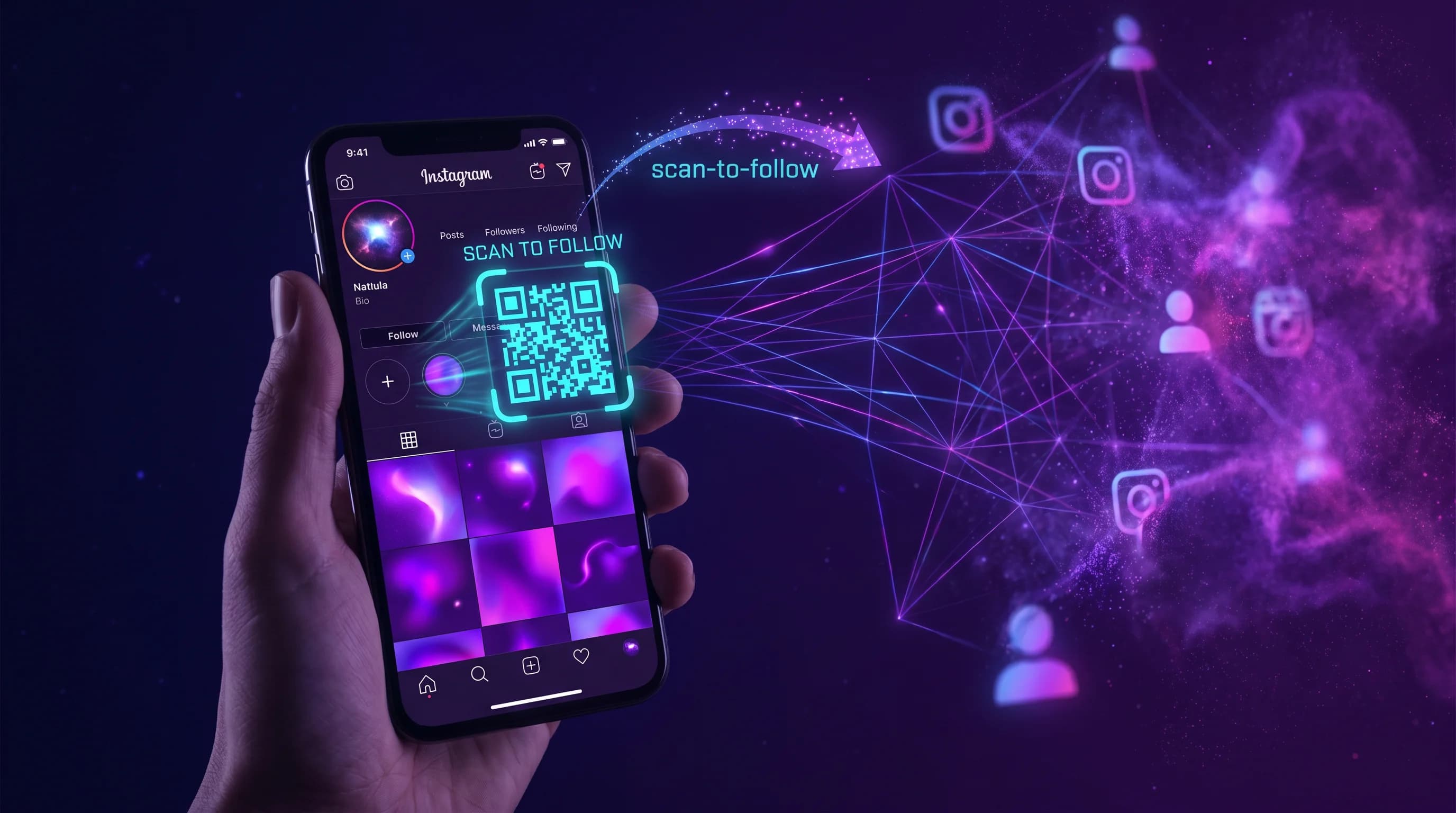
Instagram gives every account exactly one link in the bio. One. For profiles that want to point followers to a website, a product, a newsletter, a YouTube channel, and a booking page simultaneously, that single link is the bottleneck. Bio link tools like Linktree exist to work around it. An Instagram bio link QR code takes the solution further: it puts your entire digital presence on any physical surface where your Instagram bio is not accessible.
This guide covers how to create a QR code that represents your full Instagram presence, where to use it, and why it adds reach that no bio link URL can replicate.
Key Takeaways
- Instagram allows one bio link. A multi-link page turns that one link into a full digital hub.
- A QR code version of your bio link page works on merch, prints, packaging, business cards, and event materials - surfaces where your Instagram bio is invisible.
- Dynamic QR codes let you update the links behind the code without reprinting materials.
- QR-Verse creates both the multi-link page and the QR code in one step - no two-tool workflow.
- Per-link click tracking (Pro) shows exactly which links your audience taps after scanning.
Moving your links across? Start in the generator with a multi-link code: every link behind one QR.
Start with multi-linkThe One-Link Problem on Instagram
Instagram enforces a single clickable link in your bio. This was originally a design decision to keep the platform focused on visual content rather than outbound links. The practical result for anyone using Instagram for business, content, or community is a constant prioritization problem.
Do you link to your latest product drop or your website? Your newsletter or your YouTube channel? Your booking page or your portfolio?
Bio link tools solve the digital version of this problem. Your bio link points to a multi-link landing page, which contains all the links you want. Followers click through from your bio to the page, then choose their destination.
This works well for anyone who finds you on Instagram. It does not help anyone who finds you on a poster, a business card, a tote bag, a market stall, or any physical surface where your Instagram bio is not visible.
What an Instagram Bio Link QR Code Adds
A QR code for your bio link is a scannable version of your multi-link page. Anyone with a smartphone camera can scan it - no Instagram required, no bio link required, no URL typing required.
The scan opens the same multi-link landing page your Instagram bio link points to. Every link is accessible. The experience is identical to clicking your bio link - except the entry point is physical, not digital.
This matters in contexts where your Instagram bio is not accessible:
Merch and physical products. A QR code on a t-shirt, tote, or sticker means anyone who sees the item can scan to reach your full digital presence. The wearer's followers, strangers on the street, people at events - all potential new followers who would never have found your Instagram bio.
Print materials. Event flyers, zines, postcards, or posters can carry a QR code that connects viewers to your link page without requiring them to search for your profile.
Business cards and press kits. A QR code on a business card that opens your multi-link page shows portfolio, social profiles, contact, and booking in a single tap. No typing, no search.
Event and market presence. If you sell at markets, craft fairs, or events - a QR code on your table card or banner connects buyers to your online shop, Instagram, and newsletter in seconds. People who meet you in person and want to follow up have a frictionless path.
Dynamic vs Static: Why the QR Code Must Be Dynamic
Two types of QR codes exist: static and dynamic.
A static QR code encodes a URL directly into the pattern. Once printed, it is permanent. If the destination URL ever changes - your multi-link page moves, your domain changes, you switch tools - every printed static QR code breaks and cannot be updated.
A dynamic QR code stores the destination server-side. The printed QR code pattern points to a redirect, and the redirect points to your actual URL. The printed code never changes. The destination updates from your dashboard at any time.
For an Instagram bio link QR code used on physical materials, dynamic is essential. Your multi-link platform may change over time. The links on your page change regularly. Your URL structure may evolve. With a dynamic code, all of this is editable without reprinting anything.
QR-Verse creates dynamic QR codes by default. Every multi-link QR code is editable after creation.
How to Set Up an Instagram Bio Link QR Code
The setup creates two assets simultaneously: a multi-link landing page (the URL version of your bio link) and a QR code pointing to it.
Step 1: Create your multi-link page
Go to QR-Verse Create and select "Multi-Link" as the QR code type. Add your links in the order you want them to appear:
- Your Instagram profile (so scanners from physical materials can follow you)
- Your primary destination (website, shop, portfolio)
- Secondary platforms (YouTube, TikTok, Spotify)
- Time-sensitive links (current product drop, event, newsletter)
- Contact or booking
Step 2: Customize the page
Set your page title, colors, and button style to match your brand. On QR-Verse Pro, upload your logo. The landing page should be recognizable as yours - consistent with your Instagram aesthetic.
Step 3: Download your QR code
Download in PNG (free) or SVG (Pro) format. For merch printing, SVG is the ideal format as it scales without quality loss - available on QR-Verse Pro. PNG works fine for digital use and small print sizes.
Step 4: Update your Instagram bio
Paste your QR-Verse multi-link page URL into your Instagram bio. Now both channels - your digital bio link and your physical QR code - point to the same page. Any update to the page is reflected everywhere simultaneously.
Where to Use Your Instagram Bio Link QR Code
On merch. The back of a t-shirt, the inside label, or a front pocket print. QR codes on wearables work at minimum 2cm x 2cm with high contrast. Most print-on-demand platforms accept SVG uploads - SVG export is available on QR-Verse Pro. A QR code on merch converts viewers of the clothing into followers of your account - a distribution effect no digital-only bio link generates.
On prints and art. If you sell or display physical artwork, a QR code on the back or in the corner connects buyers to your portfolio, your shop for more prints, and your Instagram profile. Collectors who buy your work offline become digital followers and repeat customers.
On a business card. Replace or supplement the URL on your card with a QR code that opens your multi-link page. The Instagram QR code guide covers card sizing and design recommendations.
At events and markets. A small sign or table card with your QR code at any in-person event gives visitors an instant connection to your digital presence. Follow-up conversion - people who want to buy later, after the event - increases significantly when there is a scannable shortcut rather than a card they might lose.
On packaging. If you ship products, a QR code on the packing insert or the box itself connects buyers to your community and upcoming launches. Post-purchase is a high-engagement moment - the buyer is actively interested in what you do next.
On flyers and posters. If you promote events, exhibitions, performances, or services with physical flyers - a QR code replaces the URL that nobody types. Scan converts immediately to your booking page, event details, or portfolio.
Linking Instagram Profile and Multi-Link Together
The most effective setup treats your Instagram profile and your multi-link page as a loop, not a one-way funnel:
- Instagram bio link points to your QR-Verse multi-link page
- Multi-link page includes your Instagram profile as the first link
- Physical QR code on merch and materials points to the same multi-link page
- The multi-link page converts new scanners into Instagram followers
People who find you physically scan your QR code, land on your multi-link page, and tap your Instagram link to follow you. People who find you on Instagram click your bio link and land on the same page to reach your other channels.
Both paths lead to the same destination: a page that represents your full digital presence. The QR code is the physical entry point into the same loop.
Tracking Performance: Which Links Do Your Instagram Followers Actually Click?
One of the practical advantages of using QR-Verse over a basic Linktree-style tool is per-link analytics.
When you have 5 links on your multi-link page and no analytics, you cannot tell whether your followers are clicking your YouTube channel, your shop, your newsletter, or your booking page. You see a total click count but cannot attribute it.
With QR-Verse Pro (EUR 4.99/month), every link row tracks clicks independently. You see:
- Which link receives the most taps
- How many scans come from the QR code (physical) versus the bio link URL (digital)
- Device types and approximate locations
- Click patterns over time
This data lets you optimize your page. If your newsletter link is in position 4 and receives 3% of clicks, moving it to position 2 may double that. If your shop link in position 1 receives 60% of clicks, keeping it there is clearly correct.
The multi-link QR code guide covers analytics interpretation and page optimization.
FAQ
What is an Instagram bio link QR code?
It is a dynamic QR code that, when scanned, opens the same multi-link page your Instagram bio link points to. It gives your full digital presence - all your links - a physical, scannable entry point that works offline. Anyone with a smartphone camera can scan it; no Instagram account or profile visit required.
How do I create a QR code for my Instagram bio link?
Go to QR-Verse Create, select Multi-Link, add your links (including your Instagram profile), customize the page, and download the QR code. Paste the page URL into your Instagram bio. Both the bio link and the QR code now point to the same multi-link page - one for digital visitors, one for physical placements.
Can I use the QR code on merch?
Yes. Download your QR code as PNG (free plan) or SVG (Pro plan, scalable vector format) and send it to your merch printer or print-on-demand platform. The minimum reliable scan size on printed merch is approximately 2cm x 2cm with strong contrast (dark code on light background or light code on dark background). SVG export is available on QR-Verse Pro at EUR 4.99/month.
What happens if I switch bio link tools in the future?
Because QR-Verse codes are dynamic, you can update the destination URL at any time from your dashboard. If you switch to a different multi-link platform, simply update the destination URL in your QR-Verse dashboard. All physical QR codes already printed continue to work - they now point to your new page.
Is there a free option for an Instagram bio link QR code?
Yes. QR-Verse's free plan includes one dynamic multi-link QR code with up to 3 link rows. For most Instagram creators starting out, three links (Instagram profile, primary destination, and one additional link) is sufficient. QR-Verse Pro at EUR 4.99/month adds 10 rows, removes the watermark, and adds full per-link analytics.
How is this different from just putting my Instagram URL in a QR code?
A QR code pointing directly to your Instagram profile opens only Instagram. Visitors can follow you, but they cannot reach your website, shop, newsletter, or other platforms without leaving Instagram and searching. A multi-link QR code opens a page that contains all your links - including your Instagram profile - giving visitors the choice of where to go. The multi-link version converts at a higher rate for audiences who want to explore beyond Instagram.
Ready to create your QR code?
Free plan available. No signup required. Create professional QR codes in seconds.
Ready to try it yourself?
Create professional QR codes with tracking, custom colors, and AI-generated art.
Try our free tools:
Create your QR code in seconds
No signup, no credit card. 27 QR types with full customization. Upgrade to Pro (EUR 4.99/mo) for unlimited power.
Share this article
Related Articles
8 Linktree Alternatives Compared by Price (2026)
8 Linktree alternatives compared on monthly price, sales commission, QR codes and analytics - free and paid options with a verdict per use case.
Read More
QR Code for Bio Link: One Print, All Your Links
A QR code and a bio link page are complementary tools, not competing ones. QR-Verse generates both - so one printed code opens all your links on any surface.
Read More
Linktree Alternative for Creators: More Control, No 12% Cut
Linktree takes up to 12% of your sales from the free plan. A multi-link QR code gives creators zero commission, full per-link analytics, and offline reach on merch and print materials.
Read More