
Most restaurants already have at least one QR code on the table. It opens a PDF menu, or a static menu page, or a Google Drive link someone set up in 2021 and forgot to update.
That single-purpose QR code is an underused asset. The same scan that opens a menu can also offer a reservation, request a Google Review, connect to the Wi-Fi, link to a loyalty programme, and show a delivery option - all from one piece of printed material that guests are already picking up.
A biolink QR code replaces the single-purpose code with a multi-link landing page. This post covers how restaurants use biolink QR codes, what links to include, and how to set one up without a developer.
Want to try this yourself? The generator is free and opens straight away.
Create a QR codeWhat Is a Biolink QR Code for a Restaurant?
A biolink QR code is a QR code that leads to a multi-link landing page instead of a single URL. Rather than sending guests directly to your menu PDF, it sends them to a page with four or five curated options: menu, reservation, reviews, Wi-Fi, delivery.
The concept comes from social media. Content creators use "bio links" (the single link allowed in an Instagram or TikTok bio) to point followers to a landing page with multiple destinations. Restaurants apply the same mechanic to physical QR codes - the table sticker or menu card QR code becomes the entry point to everything a guest might need.
The key property: one QR code on the table does the work of what would otherwise require separate codes for each destination.
The Five Links Every Restaurant Biolink Should Include
1. Digital menu
This is the primary function and the reason most restaurants added a QR code in the first place. Link to your current digital menu - a well-formatted webpage, a Google Sites menu, a PDF, or a third-party menu platform like iMenu or Yumminn. Keep this link first and clearly labeled.
2. Online reservation
Link directly to your booking page. Most restaurants use one platform: OpenTable, Google Reserve (via Google Business Profile), Yelp Waitlist, Resy, or their own booking widget. A guest who enjoyed their meal and wants to return should be one tap from a new booking.
3. Google Reviews
A guest who scans your QR code for the menu is already engaged. A short-link to your Google Reviews page, labeled clearly as "Leave a review", captures review intent while the experience is fresh. This is the most consistent way to grow your Google review count. Direct reviews to Google Maps via your business's review link.
4. Wi-Fi access
Offering Wi-Fi is standard. Requiring guests to flag down a server to ask for the password is friction you can eliminate in one tap. A QR-Verse multi-link page supports a direct Wi-Fi link (or display the password clearly). For families with children, for business travelers, for anyone waiting for a companion - fast Wi-Fi access is a quality-of-life improvement that gets noticed.
5. Delivery or takeaway
Link to your Deliveroo, Uber Eats, Just Eat, or direct online ordering page. A guest who is eating in may order takeaway next week. A new guest who discovered you through a QR code scan may not have known you offered delivery. This link closes that information gap without requiring extra printed materials.
Optional Links Worth Adding
Beyond the core five, consider:
Loyalty programme signup. If you run a loyalty programme, a direct signup link lets guests join at the point of highest motivation - immediately after a good meal. App download links (iOS App Store, Google Play) also belong here if your loyalty programme has a dedicated app.
Events and specials calendar. A link to upcoming events (quiz nights, live music, seasonal menus) converts dine-in guests into repeat visitors for specific occasions.
Instagram or social profile. Guests who enjoyed their meal and want to follow you for content or promotions can find your social presence in one tap.
Gift cards or vouchers. A link to buy a gift card works particularly well near holidays and in tourist areas where visitors may be looking for local gifts.
How to Set Up a Restaurant Biolink QR Code
You do not need a developer, a designer, or a monthly agency retainer. The full setup takes under 15 minutes on the free plan.
Step 1: Create a multi-link page on QR-Verse
Go to QR-Verse Create. Select "Multi-link" as your QR type. Add your links in order of priority: menu first, then reservation, Google Reviews, Wi-Fi, delivery.
Give each link a clear label. "View Menu" reads faster than "Menu - click here". "Reserve a Table" outperforms "Reservations".
Step 2: Add your restaurant name and a short description
The multi-link page header shows your restaurant name and an optional one-line description. Keep it brief: "Pizza, pasta, and natural wines in the city centre" is sufficient. This context appears when someone screenshots or shares the page.
Step 3: Download your QR code
QR-Verse generates a dynamic QR code automatically. Download as PNG for digital use, SVG for print materials. The free plan includes a standard QR code. Pro and Business plans offer colour and logo customization.
Step 4: Print and deploy
Standard placement: table tent cards, menu covers, window stickers (for takeaway orders), and countertop displays. Minimum recommended print size for reliable scanning is 2.5 cm x 2.5 cm (1 inch x 1 inch). For wall displays, aim for at least 5 cm x 5 cm.
Test the QR code by scanning it from multiple phone models before printing at scale. Scan it in dim light - restaurant lighting is often low, and the code needs to be readable at 30-50 cm distance.
The Dynamic Update Advantage
The strongest operational reason to use a dynamic QR code for your restaurant biolink is the update capability.
Restaurants change booking platforms. Menus are updated seasonally. A delivery partnership starts or ends. A new loyalty app launches.
With a dynamic QR code, you update the destination URL in your QR-Verse dashboard - the physical code printed on your table stickers does not change, and does not need to be reprinted. Every existing scan automatically reaches the current destination.
This is the difference between:
- Static QR code: The URL is encoded in the physical code. If you change your menu platform, every code you ever printed is now pointing to a dead link or the old platform.
- Dynamic QR code: The physical code encodes a redirect URL. You control the redirect. Update it once, every code is updated.
For a restaurant, the practical cost difference is significant. Reprinting 40 table stickers because you switched from one booking system to another is avoidable with a dynamic code. The free QR-Verse plan includes dynamic codes.
Analytics: What a Restaurant Can Track
QR-Verse free includes scan count per QR code - how many times the code was scanned per day, week, or month. This is a baseline engagement metric for each table or placement.
QR-Verse Pro (EUR 4.99/month) adds:
- Device type breakdown (iPhone vs Android vs other)
- Geographic data by country and city
- Browser breakdown
QR-Verse Business (EUR 12.99/month) adds:
- Per-link click tracking (how many guests tapped "Menu" vs "Reserve" vs "Reviews")
- Custom domain
For a restaurant, per-link click tracking is the most actionable data. If 80% of scans tap the menu and only 3% tap the review link, you know the review link needs a clearer label or a better placement on the page. This granular feedback loop is not available on any free bio link tool.
Why Not Just Use Linktree?
A restaurant that has heard of Linktree might consider using it. The problems are two:
No QR code. Linktree provides a URL. It does not generate a scannable QR code. If you want a QR code, you generate it from a third-party tool and point it at your Linktree URL. That code is now static - if you ever leave Linktree, every printed code breaks.
Commission on sales. If you link to your direct online ordering or a gift card purchase through Linktree's commerce feature, Linktree takes 12% of every transaction on the free plan. Restaurants already operate on thin margins. A 12% cut on delivery or gift card orders via a bio link is not a cost most operators will accept once they notice it.
QR-Verse charges zero commission on all plans. The QR code is a native feature, not an afterthought. And the free plan is genuinely functional for a restaurant with standard needs.
For a detailed comparison of Linktree and QR-Verse for restaurants, see Linktree Alternative for Restaurants.
FAQ
What links should a restaurant include on their biolink QR code? The five highest-value links: (1) digital menu, (2) online reservation, (3) Google Reviews, (4) Wi-Fi access, (5) delivery or takeaway ordering. Optional additions: loyalty programme, events calendar, social media.
Is a biolink QR code better than a plain menu QR code? Yes, for restaurants that want to do more than show a menu. A plain menu QR code sends guests to one URL. A biolink QR code sends guests to a page with multiple options - menu, booking, reviews, loyalty - all from one scan.
How do I update a restaurant biolink QR code without reprinting it? QR-Verse uses dynamic QR codes. The printed code points to a redirect URL, not directly to your destination. When you update your destination - a new menu URL, a different booking platform - you change it in your QR-Verse dashboard. Every existing printed code automatically redirects to the new destination.
How many scans does a restaurant QR code typically get per month? A 40-seat restaurant with lunch and dinner service typically sees 150-400 scans per month from table QR codes alone. Window displays and takeaway packaging add additional volume. QR-Verse free includes scan count tracking; per-link click data requires Pro.
Should a restaurant use Linktree or a biolink QR code? A biolink QR code via QR-Verse. Linktree provides a URL only - no native QR code. For a restaurant, the QR code is the point. QR-Verse creates the QR code and multi-link page together, with dynamic update capability and zero commission.
Next step: Create your restaurant biolink QR code on QR-Verse - free plan, dynamic QR code, zero commission.
See also: Linktree Alternative for Restaurants | QR Codes for Restaurants and Hospitality | Restaurant Menu QR Code Guide
Ready to create your QR code?
Free plan available. No signup required. Create professional QR codes in seconds.
Ready to try it yourself?
Create professional QR codes with tracking, custom colors, and AI-generated art.
Create your QR code in seconds
No signup, no credit card. 27 QR types with full customization. Upgrade to Pro (€4.99/mo) for unlimited power.
Share this article
Related Articles
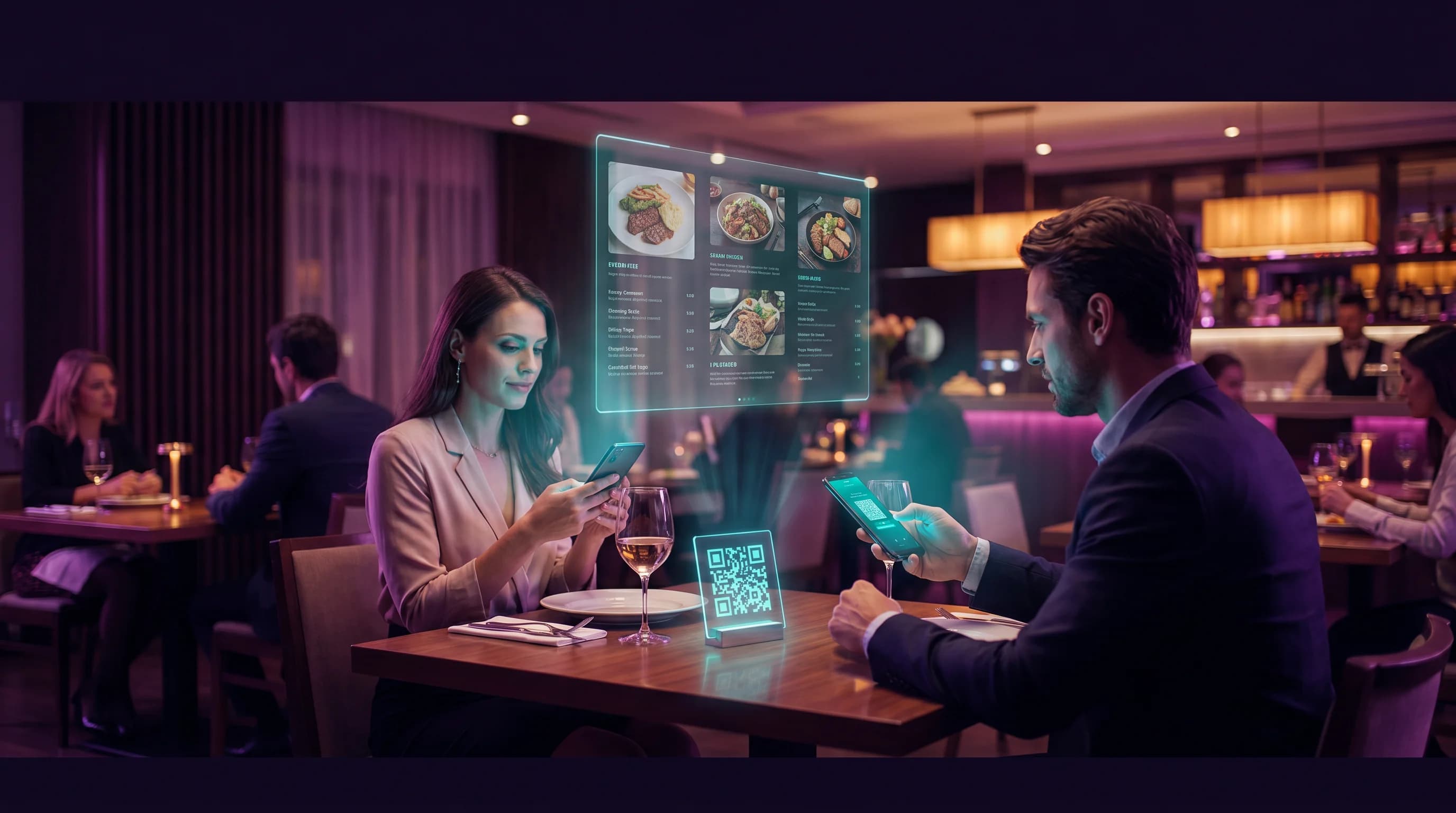
Linktree Alternative for Restaurants: QR Menus, Reviews and Booking in One Scan
Restaurants already use QR codes for menus. A multi-link QR code connects menus, reviews, reservations, and delivery in a single scan - no Linktree account needed.
Read More
QR Codes for Restaurants & Hospitality Guide
From digital menus to instant reviews and WiFi sharing - everything hospitality businesses need to know about QR codes in 2026.
Read More
QR Code Menus for Restaurants: Setup Guide
Everything restaurants need to know about QR code menus - from setup to placement, design tips, multilingual support, and scan tracking. Free, fast, and no app required.
Read More