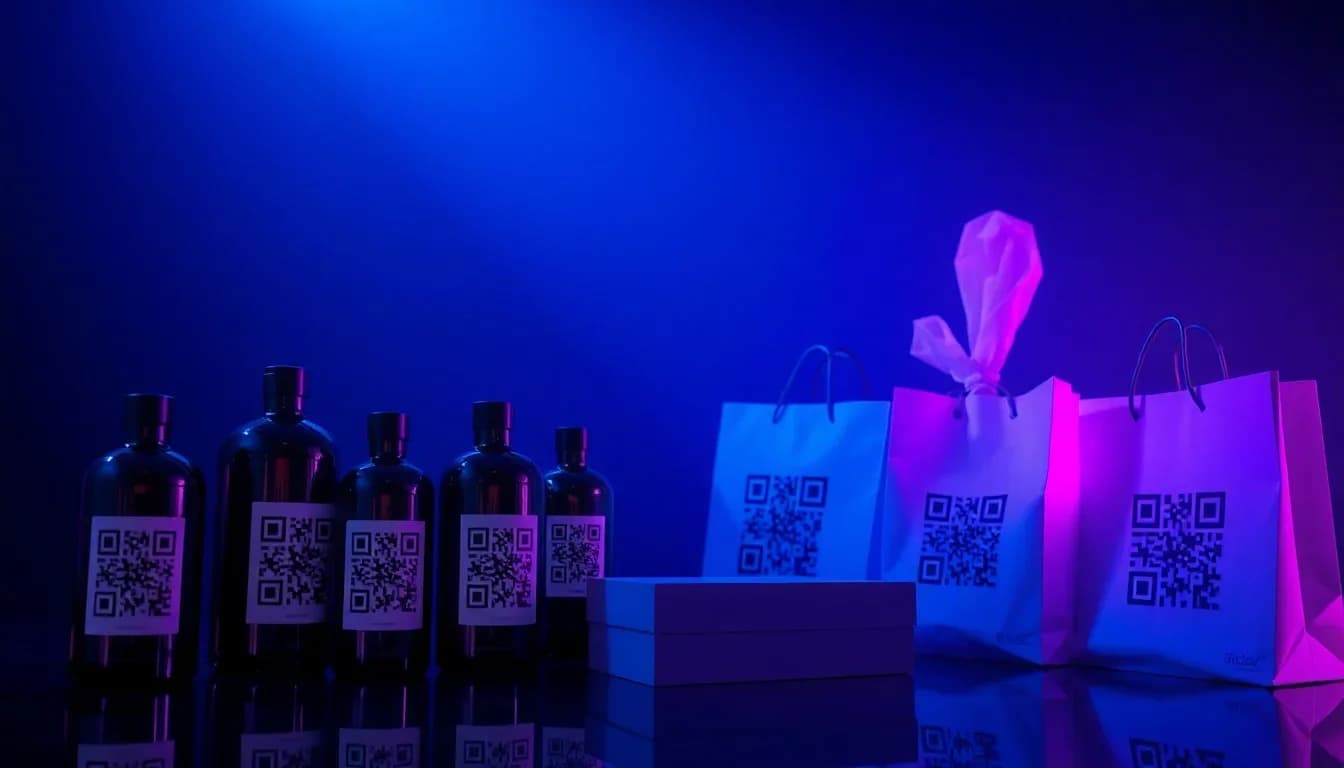
Every product tells a story - but your packaging only has so much space. QR codes bridge that gap, turning a tiny square on your label into a gateway to detailed product information, authenticity verification, how-to videos, and direct customer engagement. Here is how brands are using QR codes on packaging to build trust, reduce waste, and drive repeat purchases.
Want to try this yourself? The generator is free and opens straight away.
Create a QR codeWhy QR Codes on Product Packaging
Adding a QR code to your packaging costs virtually nothing but unlocks a direct digital channel between your product and your customer. Here are the top benefits:
Product Authentication
Let customers verify your product is genuine with a single scan. Fight counterfeiting without expensive hologram stickers or serial number databases.
Extended Product Information
Ingredients, sourcing details, allergen warnings, nutritional facts - all accessible without cramming tiny text onto your label.
Scan Analytics & Insights
Track where, when, and how often your products are scanned. Understand which retail locations drive the most engagement.
Sustainability & Transparency
Link to your supply chain story, carbon footprint data, or recycling instructions. Consumers increasingly choose brands that show their work.
Multilingual Support
One QR code can link to product information in multiple languages - no need to print separate packaging for each market.
Customer Loyalty & Reorders
Drive customers to reorder pages, loyalty programs, or exclusive offers. Turn a one-time purchase into a recurring relationship.
Real-World Packaging Use Cases
From artisan food brands to global pharmaceuticals, QR codes on packaging solve real problems across every product category:
Ingredient & Allergen Transparency
A craft chocolate maker links to full cacao sourcing details, allergen cross-contamination info, and tasting notes - all from a small QR code on the wrapper.
Assembly & How-To Videos
Furniture and electronics brands link to step-by-step video tutorials. No more lost instruction manuals - the guide lives on the box itself.
Warranty Registration
Scan the QR code on the product box to instantly register your warranty. No forms, no stamps, no mailing anything in.
Batch & Recall Traceability
Each production batch gets its own QR code. If a recall happens, customers can instantly check if their specific product is affected.
Augmented Reality Experiences
Wine labels that tell the vineyard story. Cereal boxes with AR games for kids. Cosmetics packaging with virtual try-on. QR codes are the entry point.
Review & Feedback Collection
A QR code on the packaging links directly to a review form. Capture feedback while the unboxing experience is still fresh.
Recycling Instructions
Link to location-specific recycling guidelines. What is recyclable varies by municipality - a QR code can show the right instructions for each customer.
Reorder with One Scan
Consumable products like coffee, supplements, or pet food can include a reorder QR code. One scan takes the customer straight to checkout.
Create Your Packaging QR Code
Generate a free QR code for your product packaging in seconds. Track scans, update destinations, and customize your design - no account required.
Create Free QR Code →Industries Leading with QR Packaging
Some industries are further ahead than others. Here is where QR codes on packaging have become standard practice:
Food & Beverage
Farm-to-table traceability, nutritional details beyond what fits on the label, recipe suggestions, and allergen info. EU regulations are pushing digital labeling forward.
Pharmaceuticals & Supplements
Dosage instructions, drug interaction warnings, clinical study links, and anti-counterfeiting verification. Some markets now require serialized QR codes on medication.
Fashion & Apparel
Care instructions, material sourcing transparency, styling suggestions, and authenticity verification for luxury goods. QR codes replace the paper hang tag.
Cosmetics & Personal Care
Ingredient breakdowns, skin type recommendations, tutorial videos, and batch-specific expiry dates. Clean beauty brands use QR codes to prove their claims.
Electronics & Hardware
Quick-start guides, firmware updates, warranty registration, and troubleshooting videos. Reduces support tickets and returns.
Wine, Spirits & Craft Beverages
Tasting notes, food pairing suggestions, vineyard stories, and age verification. EU wine labeling regulations now allow digital-only ingredient disclosure via QR.
How to Add QR Codes to Your Packaging
Getting a QR code onto your product packaging is straightforward. Here is the process from start to scan:
Define the Destination
Decide what the QR code links to: a product page, video tutorial, ingredient list, registration form, or reorder link. Use a dynamic QR code so you can update this later without reprinting.
Generate Your QR Code
Use QR-Verse to create a free QR code. Customize colors and add your brand logo so it fits your packaging design.
Download in Print-Ready Format
Export as SVG for vector scalability or high-resolution PNG. SVG is preferred for print - it scales to any size without losing quality.
Position on Your Packaging
Place the QR code where customers naturally look: near the product name, on the back panel, or next to the barcode. Minimum size: 2×2 cm for reliable scanning.
Add a Call-to-Action
Print a short prompt next to the QR code: "Scan for ingredients", "Watch setup video", or "Register your warranty". Without context, many customers will not scan.
Test Before Production
Print a sample and test the QR code from multiple angles, distances, and lighting conditions. Test on both iPhone and Android. Verify the landing page is mobile-optimized.
Smart Packaging Trends in 2026
QR codes are at the center of the smart packaging revolution. Here are the trends shaping the future:
Digital Product Passports (DPP)
The EU is rolling out Digital Product Passports for textiles, electronics, and batteries. QR codes will be the primary access point, linking to lifecycle data, repairability scores, and recycling instructions.
GS1 Digital Link
The traditional barcode is evolving. GS1 Digital Link QR codes replace the UPC barcode and the marketing QR code with a single code that works for both retail scanning and consumer engagement.
First-Party Data Collection
With third-party cookies disappearing, brands are using packaging QR codes to build direct relationships with customers. Each scan is a first-party data touchpoint.
Connected Packaging Ecosystems
QR codes become the hub that connects packaging to apps, loyalty programs, AR experiences, and IoT sensors. One code, many experiences depending on context.
Start Your Smart Packaging Journey
Join thousands of brands using QR-Verse to connect their products to the digital world. Free, no account required, print-ready in seconds.
Generate Packaging QR Code →QR Code Packaging Best Practices
Minimum 2×2 cm Size
Smaller QR codes are harder to scan, especially on curved surfaces. For bottles or tubes, go even larger - 3×3 cm minimum.
High Contrast Colors
Dark code on a light background scans best. Avoid placing QR codes on busy patterns, metallic surfaces, or transparent materials without a solid backing.
Use Dynamic QR Codes
Static QR codes are permanent - once printed, the destination cannot change. Dynamic codes let you update URLs, fix errors, and track scans without reprinting packaging.
Mobile-Optimized Landing Pages
95% of QR code scans happen on smartphones. If your landing page is not mobile-first, you will lose the customer in the first 3 seconds.
Always Include a CTA
A QR code without context gets ignored. A short text like "Scan for recipe ideas" or "Verify authenticity" increases scan rates by 30-50%.
Test on the Actual Packaging
Screen tests are not enough. Print on the actual material - matte vs. glossy, curved vs. flat, foil vs. paper - all affect scannability.
Related Resources
What size should a QR code be on product packaging?
Minimum 2×2 cm on flat surfaces. For curved packaging like bottles, go 3×3 cm or larger. The more data encoded, the denser the QR pattern, so simpler URLs scan better at smaller sizes.
Can I change where the QR code points after printing?
Yes, if you use a dynamic QR code. Dynamic codes redirect through a short URL that you can update anytime - without reprinting your packaging.
Do QR codes work on metallic or foil packaging?
They can, but you need high contrast. Print the QR code on a solid white or light-colored backing, not directly on reflective foil. Matte finishes scan better than glossy.
Is there a cost to add QR codes to packaging?
Generating the QR code is free with QR-Verse. The only cost is including it in your packaging design, which your designer handles as part of the normal layout process.
How do I track how many people scan my packaging QR code?
QR-Verse provides real-time scan analytics including total scans, geographic location, device type, and time of scan. You can see exactly how your packaging performs across different markets.
Can one QR code show different content in different languages?
Yes. Link your QR code to a landing page that detects the user browser language and displays content accordingly. Or use QR-Verse campaigns to create language-specific codes for different markets.
What is a GS1 Digital Link QR code?
It is a standardized QR code format that encodes product identification (like a GTIN/UPC) in a web URL. It can replace both the traditional barcode and a marketing QR code with a single code.
Do I need an app to scan QR codes on packaging?
No. All modern smartphones (iPhone and Android) scan QR codes natively through the camera app. No separate app is needed.
Can QR codes help with product recalls?
Absolutely. With batch-specific QR codes, customers can scan to check if their exact product is part of a recall. This is faster and more reliable than traditional recall notices.
What format should I export for print production?
SVG (vector format) is best for print - it scales to any size without pixelation. QR-Verse also offers high-resolution PNG. Always export at the highest quality available.
Ready to create your QR code?
Free plan available. No signup required. Create professional QR codes in seconds.
Ready to try it yourself?
Create professional QR codes with tracking, custom colors, and AI-generated art.
Try our free tools:
Create your QR code in seconds
No signup, no credit card. 27 QR types with full customization. Upgrade to Pro (EUR 4.99/mo) for unlimited power.
Share this article
Related Articles

QR Codes for Retail & E-commerce: Bridge Physical-Digital
From product packaging to loyalty programs - how retail brands use QR codes to connect in-store and online shopping.
Read More
GS1 Digital Link Guide for Product QR Codes
Everything you need to know about GS1 Digital Link QR codes. What it is, how it works, why Sunrise 2027 matters, and how to create compliant codes today.
Read More![EU Digital Product Passport: QR Code Compliance Guide [2026] - QR-Verse blog](/_next/image?url=%2Fimages%2Fblog%2Feu-dpp-hero.webp&w=3840&q=75)
EU Digital Product Passport: QR Code Compliance Guide [2026]
The EU Digital Product Passport is coming. Battery passports mandatory Feb 2027, textiles next. Learn what DPP means for your products and how QR codes fit in.
Read More