
Real estate is a visual, location-driven business. Buyers make decisions based on what they can see, feel, and imagine. But a For Sale sign can only say so much - and most of the time, it just says a phone number and a brokerage name.
QR codes change that. A single scan turns a yard sign into a full property listing, a lockbox into a digital brochure, and a business card into a saved contact. In 2026, the agents who close faster are the ones who make information instantly accessible - and QR codes are the simplest way to do it.
Here are 10 ways real estate professionals are using QR codes right now, and how you can start today.
Key Takeaways
- Adding a QR code to a For Sale sign turns a static yard sign into a full property listing with photos, floor plans, video tours, and agent contact.
- Agents using QR codes on property listings report higher lead quality because buyers arrive pre-informed and more purchase-ready.
- Dynamic property QR codes let agents update the linked listing without removing the sign - useful when price or status changes.
- QR codes on lockboxes give showing agents instant access to property instructions, utility locations, and safety information.
- Real estate QR codes on business cards link directly to an agent's full listing portfolio, Google Reviews page, and booking calendar.
Want to try this yourself? The generator is free and opens straight away.
Create a QR code1. Property Listings on For Sale Signs
The yard sign is still the most visible marketing tool in real estate. Adding a QR code to it transforms a static sign into a gateway to everything a buyer needs.
Link your QR code to a landing page that includes:
- Photo gallery - high-resolution images of every room
- Floor plans - downloadable PDFs with measurements
- Virtual tour link - immersive 360-degree walkthrough
- Property details - beds, baths, square footage, lot size, year built
- Price and availability - always up to date
A drive-by buyer can scan from their car and get the full listing experience without ever calling your office.
Use a dynamic QR code so you can swap the destination when the listing status changes - from "active" to "under contract" to "sold" - without reprinting the sign.
2. Open House Registration and Brochures
Paper sign-in sheets at open houses are slow, messy, and hard to read. Replace them with a QR code at the door that links to a quick digital registration form.
Benefits of digital open house registration:
- Instant lead capture - names, emails, and phone numbers go straight to your CRM
- No illegible handwriting - every entry is clean and usable
- Automatic follow-up - trigger an email sequence the moment someone registers
- Digital brochure delivery - send the property brochure to their inbox on sign-up
Create the registration form
Use Google Forms, Typeform, or your CRM's built-in form builder. Keep it short - name, email, phone, and "Are you working with an agent?"
Generate the QR code
Paste the form URL into QR-Verse and generate a dynamic QR code.
Display at the entrance
Print the QR code on a small stand or foam board near the front door with the text: "Scan to check in and get the full property brochure."
3. Virtual Tour Access
Virtual tours are no longer a luxury feature - buyers expect them. But sharing a virtual tour link verbally or on a flyer is clunky. A QR code makes it seamless.
Place virtual tour QR codes on:
- Yard signs and directional signs
- Print advertisements and mailers
- Listing flyers at the property
- Window displays at your brokerage office
- Social media posts (yes, people screenshot and scan)
Matterport, Zillow 3D, and other virtual tour platforms generate shareable URLs that work perfectly with QR codes. Just paste the tour link and you're done.
When someone scans, they're immediately inside the home - panning through rooms, checking closet space, and imagining their furniture. That level of engagement from a simple scan is hard to beat.
4. Agent Contact Cards (vCard QR)
Every interaction is a chance to build your contact list. A vCard QR code lets prospects save your full contact information with a single scan - no typing, no lost business cards.
Paper Business Card
Gets lost in a pocket, outdated when you change numbers, no tracking, costs money to reprint every time.
vCard QR Code
One scan saves your name, phone, email, brokerage, photo, and website directly to the prospect's phone contacts.
Where to use your vCard QR:
- On every listing flyer - so prospects can save your info while browsing the property
- On your email signature - recipients can scan right from their screen
- At networking events - pull it up on your phone and let people scan
- On your car magnet or wrap - because you never know who's looking
Create a vCard QR Code
Let prospects save your contact info with one scan. Name, phone, email, photo, website - all included. Free.
Create vCard QR →5. Document Sharing
Real estate transactions involve a mountain of paperwork. QR codes simplify how you share critical documents with buyers, sellers, and tenants.
Documents you can link via QR:
- Mortgage pre-approval info - calculators, lender contacts, rate sheets
- HOA documents - bylaws, CC&Rs, meeting minutes, fee schedules
- Inspection reports - full reports with photos and findings
- Disclosure packets - seller disclosures, lead paint notices, natural hazard reports
- Title and survey documents - boundary lines, easements, encumbrances
Instead of emailing a dozen PDFs, hand your client a single sheet with labeled QR codes for each document category. They scan what they need, when they need it.
Tip: Upload documents to Google Drive or Dropbox, set sharing to "anyone with the link," and generate a QR code for each folder. Update the folder contents anytime without changing the QR code.
6. Neighborhood Information
Buyers aren't just purchasing a home - they're choosing a neighborhood. Give them the local context they need with a QR code that links to a neighborhood info page.
Include details like:
- School ratings and districts - GreatSchools links, enrollment info
- Commute times - Google Maps routes to major employers and downtown
- Nearby amenities - grocery stores, parks, gyms, restaurants within walking distance
- Crime statistics - neighborhood safety data from local police departments
- Community events - farmers markets, block parties, HOA social calendars
- Property tax estimates - county assessor data and historical trends
This is a powerful differentiator. Most agents just sell the house. You're selling the lifestyle.
Create a simple one-page website or Google Doc with neighborhood highlights. Link it to a QR code on your listing flyer under the heading: "What's it like to live here? Scan to find out."
7. Rental Properties
Property managers juggle dozens (or hundreds) of units. QR codes streamline communication with current and prospective tenants alike.
For prospective tenants:
- Link to online application forms from the "For Rent" sign
- Provide a QR code at the unit door that opens a self-guided tour scheduling page
- Share rental terms, pet policies, and utility details digitally
For current tenants:
- QR codes in common areas linking to the tenant portal for rent payment
- Maintenance request forms accessible via QR in each unit
- Building rules, emergency contacts, and move-out procedures on a scannable poster in the lobby
This reduces phone calls, speeds up applications, and gives tenants 24/7 access to the information they need.
8. Commercial Real Estate
Commercial properties have a different audience - investors, business owners, and brokers - but the same need for fast access to information.
Use QR codes on commercial listings to share:
- Building specifications - square footage, ceiling height, loading docks, power capacity
- Availability sheets - which suites are open, pricing per square foot, lease terms
- Site plans and zoning maps - what's allowed, what's adjacent, parking ratios
- Traffic and demographic data - foot traffic counts, household income, population density
- Tenant mix information - who else is in the building or center
- CAM charges and operating expenses - the numbers investors actually want
Commercial deals move slower but involve more stakeholders. A QR code on a property brochure lets every decision-maker access the same information independently, on their own schedule.
9. Analytics: Know Which Listings Get Attention
Here's where QR codes give real estate professionals something yard signs and flyers never could - data.
With QR-Verse's built-in analytics, you can track:
- Total scans per listing - which properties are generating the most drive-by interest
- Scan times - are people scanning on weekday mornings (commuters) or Sunday afternoons (serious house hunters)?
- Device and location data - understand where your audience is coming from
- Scan trends over time - see if interest spikes after a price reduction or a new marketing push
This data is gold for your listing presentations. You can show sellers exactly how much traffic their property is getting and make data-driven decisions about pricing, marketing spend, and open house timing.
Without QR Analytics
"I think the sign is getting good traffic." Guesswork. No data to share with sellers.
With QR Analytics
"Your listing QR was scanned 147 times this month, with peak activity on Saturdays between 10 AM and 2 PM." Concrete numbers. Confident conversations.
10. Best Practices for Outdoor QR Codes
Real estate QR codes live outdoors - on yard signs, rider signs, directional arrows, and window displays. That means they face sun, rain, snow, and the challenge of being scanned from a moving car. Here's how to make them work.
Size matters - go big:
- Minimum 3 inches x 3 inches for close-range scanning (at the front door)
- At least 6 inches x 6 inches on yard signs for scanning from the sidewalk
- 8-10 inches or larger if you want car-speed visibility from the street
- Rule of thumb: the QR code should be scannable from 10x its width in distance
Contrast and readability:
- Dark QR code on a light background - always. White or light yellow backgrounds work best
- Avoid placing QR codes on busy photographic backgrounds
- Maintain the quiet zone (white border) around the code - at least 4 modules wide
- Test the scan in direct sunlight and shade before deploying
Weatherproofing:
- Use UV-resistant lamination or weatherproof signage materials
- Consider aluminum composite panels or coroplast with UV-coated prints
- Replace faded codes immediately - a broken QR code is worse than no QR code
- Inspect weekly during the listing period
Placement tips:
- Position at eye level, between 3 and 5 feet from the ground
- Add a clear call to action: "Scan for photos & virtual tour" beats a bare QR code every time
- Point the code away from direct afternoon sun to reduce glare
- If using a rider sign, place the QR code on the rider (not the main sign) so it's closer to the viewer
Always test your QR code in the field before the listing goes live. Walk up to the sign, scan from the sidewalk, and try scanning from your car at a slow roll. If it doesn't work in all three scenarios, make it bigger or adjust the contrast.
Getting Started Takes 30 Seconds
You don't need a designer, a developer, or a marketing budget. Every strategy in this guide can be set up in minutes with a free QR code generator.
Here's the simple workflow:
- Decide what to link - virtual tour, listing page, registration form, contact card
- Generate the QR code - paste your URL into QR-Verse and customize the design
- Print and place - add it to your signs, flyers, brochures, and business cards
- Track the results - check your analytics dashboard to see what's working
The agents closing the most deals in 2026 aren't the ones with the biggest ad budgets. They're the ones who make it effortless for buyers to get information. A QR code on every listing is the easiest way to do that.
Create Your First Real Estate QR Code
Property listings, virtual tours, vCards, document sharing - all free, with analytics included. No account required.
Create Free QR Code →How big should a QR code be on a real estate sign?
For yard signs, use at least 6x6 inches so it can be scanned from the sidewalk. If you want car-speed visibility, go 8-10 inches or larger. The general rule is that a QR code can be scanned from a distance of roughly 10 times its width.
Can I change the listing link after printing the sign?
Yes. Dynamic QR codes let you update the destination URL anytime. When a listing goes under contract or sold, swap the link to a "similar properties" page without reprinting the sign.
Do buyers need a special app to scan?
No. Every modern iPhone and Android phone can scan QR codes using the built-in camera app. No download required.
How do I track which listings get the most scans?
QR-Verse provides a free analytics dashboard for every QR code you create. You can see total scans, scan times, device types, and location data for each listing.
Will the QR code survive outdoor weather?
The QR code itself is just an image - durability depends on your print material. Use UV-resistant lamination or weatherproof signage like aluminum composite or coated coroplast. Inspect and replace faded codes regularly.
Ready to create your QR code?
Free plan available. No signup required. Create professional QR codes in seconds.
Ready to try it yourself?
Create professional QR codes with tracking, custom colors, and AI-generated art.
Try our free tools:
Create your QR code in seconds
No signup, no credit card. 27 QR types with full customization. Upgrade to Pro (EUR 4.99/mo) for unlimited power.
Share this article
Related Articles
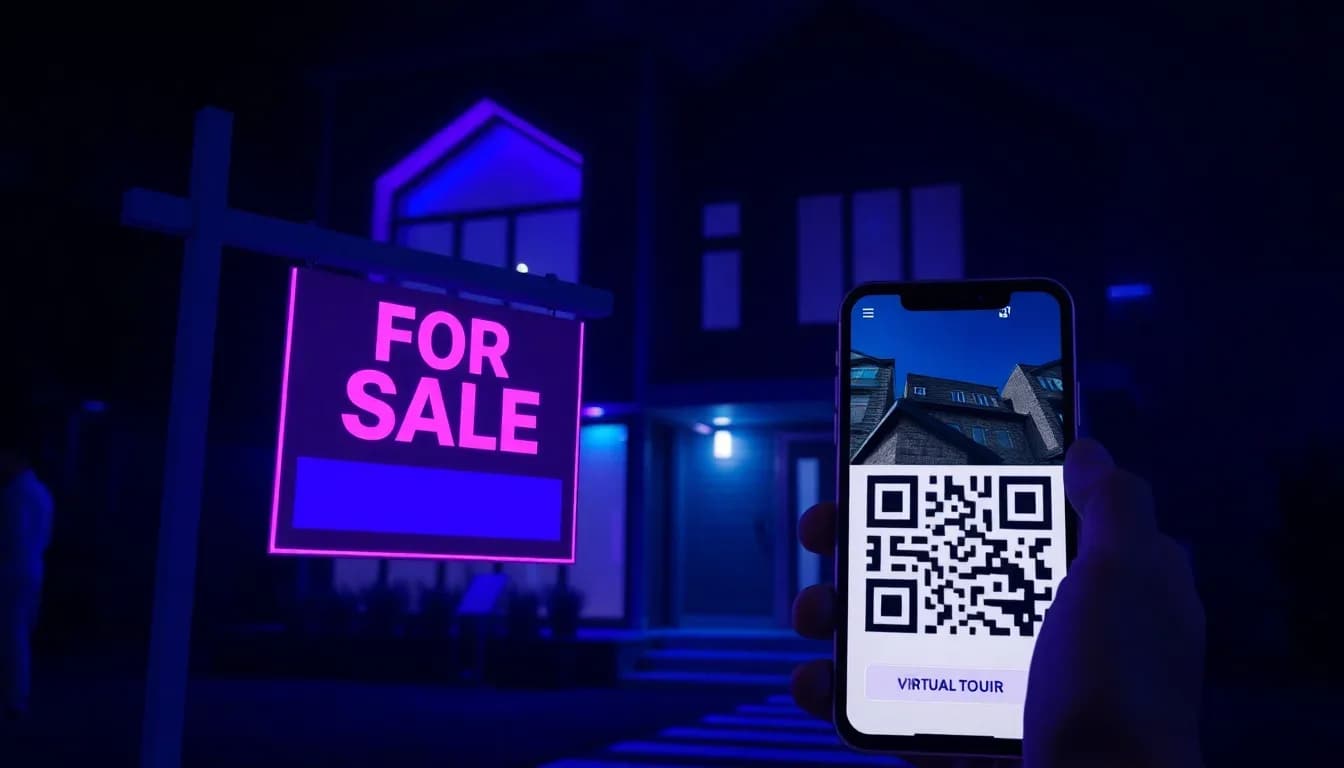
QR Codes for Real Estate: 9 Ways to Get More Leads (2026)
How real estate agents use QR codes on yard signs, flyers, and open houses to generate leads, showcase virtual tours, and sell homes faster.
Read More
QR Codes for Print Marketing: Size & Placement Guide
The complete guide to adding QR codes to flyers, posters, brochures, and business cards. Includes size chart, placement tips, and pre-print checklist.
Read More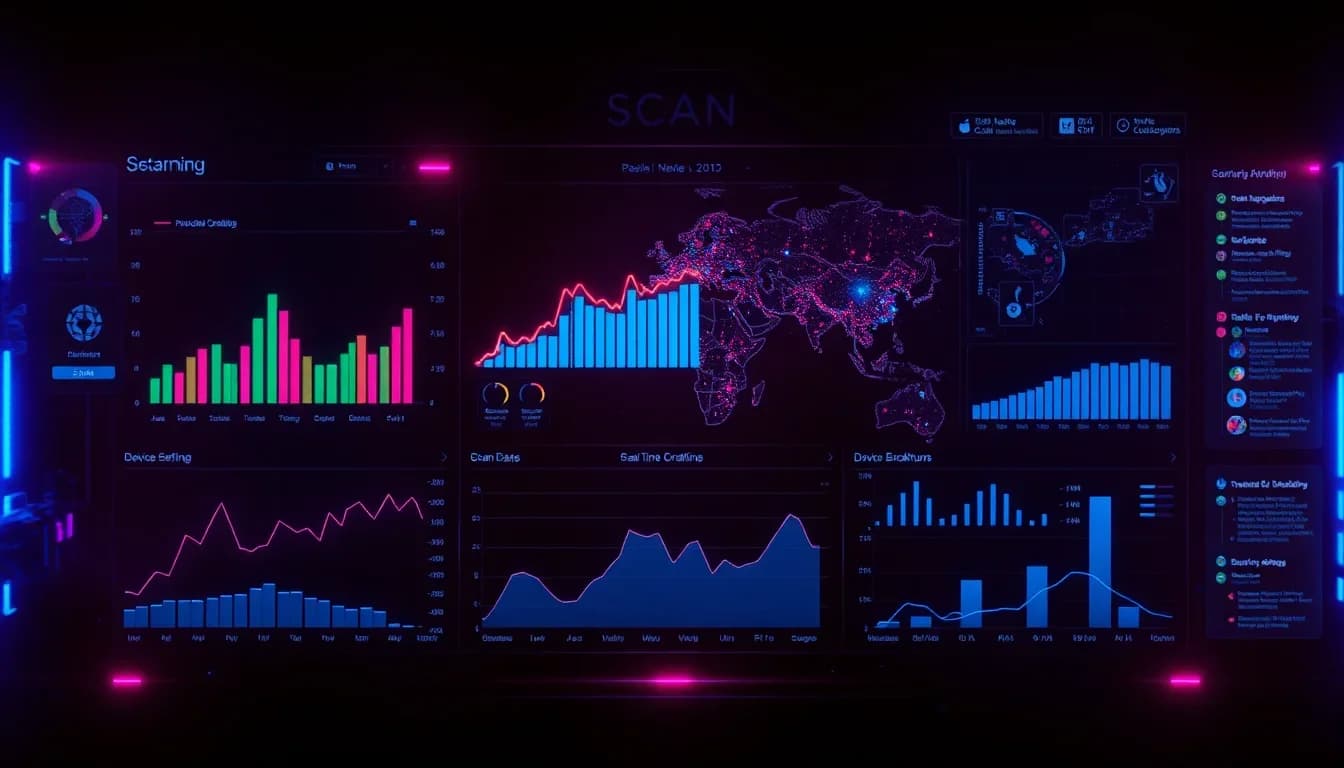
QR Code Analytics & Tracking: The Complete Guide 2026
Turn every QR code scan into actionable data. Learn how to track scans, measure ROI, and optimize campaigns with QR-Verse's free real-time dashboard.
Read More