
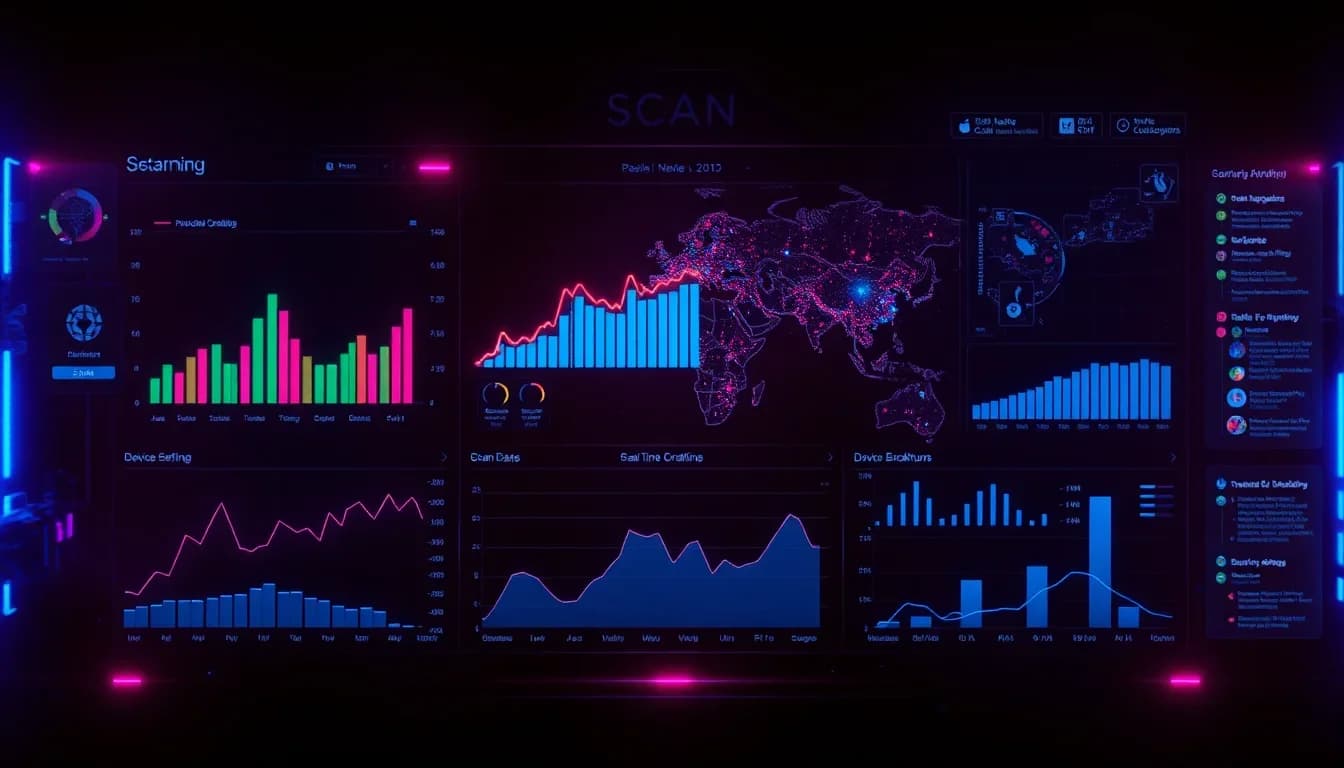
You created a QR code. Someone scanned it. But who? Where? When? Without a dashboard, your QR codes are black boxes. QR-Verse gives you a free analytics dashboard that tracks every scan in real time - no paid plan required, no scan limits, no catch.
Want to try this yourself? The generator is free and opens straight away.
Create a QR codeWhy You Need a QR Code Dashboard
Printing a QR code without tracking it is like running an ad campaign with your eyes closed. Here is what a proper dashboard unlocks for you.
- See What Works - Know exactly which QR codes drive the most scans. Stop guessing which flyer, packaging, or campaign performs best - let the data tell you.
- Understand Your Audience - See which devices people scan from (iPhone vs Android), which cities and countries generate traffic, and what time of day is most active.
- Prove ROI to Stakeholders - Export scan data and show concrete numbers. "Our restaurant menu QR code was scanned 847 times this month" beats "we think it's working" every time.
- Catch Problems Early - If scans suddenly drop to zero, something is wrong - maybe the code was covered, the URL broke, or the campaign ended. A dashboard alerts you before it's too late.
QR-Verse Dashboard Features
Every dynamic QR code you create on QR-Verse automatically gets a full analytics suite. Here is what you get - completely free.
- Real-Time Scan Counter - Watch scans come in live. Every scan is logged the moment it happens, with no delay or sampling.
- Geographic Breakdown - See which countries and cities your scans come from. Discover unexpected markets you didn't know existed.
- Device and OS Detection - Know whether your audience uses iOS or Android, mobile or desktop. Optimize your landing pages accordingly.
- Time-Based Analytics - View scans by hour, day, week, or month. Spot patterns like lunch-hour spikes for restaurant menus.
- Unique vs Total Scans - Distinguish between total scans and unique visitors. Know if 100 scans came from 100 people or 10 repeat visitors.
- Campaign Grouping - Organize QR codes into campaigns to compare performance across locations, events, or marketing channels.
Key Metrics Explained
Understanding what each metric means helps you make better decisions. Here are the numbers that matter most.
Total Scans
Every time someone points their camera at your QR code and opens the link, that is one scan. This is your raw volume number - the bigger, the better.
Unique Scans
How many different people scanned your code. If the same person scans twice from the same device, it only counts once. This tells you your true reach.
Scan Rate Over Time
A line chart showing scans per day or per week. Look for trends: is traffic growing, declining, or spiking on certain days? Use this to time your campaigns.
Top Locations
Countries and cities ranked by scan volume. If you placed QR codes in three stores, this tells you which store gets the most engagement.
Device Split
The percentage of scans from iOS, Android, and other devices. If 80% of your scans come from iPhones, your landing page better look perfect on Safari.
Peak Hours
When your QR codes get scanned the most. A restaurant menu QR might peak at 12:00-13:00 and 18:00-20:00. A gym poster might peak at 6:00-8:00.
How Teams Use Dashboard Analytics
Restaurants and Hospitality
Track how many guests scan the table menu QR code. Compare scan rates between lunch and dinner service. A cafe in Rotterdam discovered 73% of scans happened before 10 AM - they adjusted their breakfast specials accordingly.
Retail and Product Packaging
Put QR codes on product packaging and track which products generate the most curiosity. One beauty brand found their body lotion QR code got 4x more scans than their shampoo - leading them to expand the lotion product line.
Event Marketing
Print QR codes on event flyers, posters, and badges. See in real time how many people engage. Compare scan rates between different venues or promotional materials to optimize your budget.
Real Estate
Place QR codes on for-sale signs. Track which properties attract the most interest based on scan volume, and identify which neighborhoods drive the highest engagement without relying on agents' gut feelings.
Education and Non-Profits
Universities use QR code dashboards to track which campus posters drive the most event signups. Non-profits track donation page scans from fundraiser materials.
Tips for Better QR Analytics
- Always Use Dynamic QR Codes - Static QR codes cannot be tracked. Always create dynamic codes if you want analytics - they look identical but route through our tracking system.
- Name Your Codes Clearly - Instead of "QR Code 47", name it "Amsterdam Store Window - January 2026". Future you will thank present you when reviewing analytics.
- Use UTM Parameters - Append UTM tags to your destination URLs. Combined with QR-Verse analytics, you get the full picture in Google Analytics too.
- Check Weekly, Not Daily - Daily scan counts fluctuate. Weekly trends are more reliable for decision-making. Set a recurring reminder to review your dashboard every Monday.
- Compare Campaigns Side by Side - Group related QR codes into campaigns. Comparing a poster campaign to a direct mail campaign reveals which channel deserves more budget.
- Act on the Data - Analytics are useless if you don't act. If a QR code gets zero scans after two weeks, the placement is wrong - move it, resize it, or redesign it.
Privacy and Data Handling
QR-Verse takes privacy seriously. We do not track personal information from people who scan your QR codes. No names, no emails, no phone numbers - ever.
Scan analytics are aggregated and anonymized. We detect the country and city from IP geolocation (never storing the actual IP address), and we identify device type from the user agent string. This gives you useful insights without compromising anyone's privacy.
QR-Verse is fully GDPR compliant. All data is processed in the EU, and you can delete your QR codes and their associated analytics at any time from your dashboard.
Frequently Asked Questions
Is the QR-Verse dashboard really free?
Yes. Every dynamic QR code comes with full analytics at no cost. No trial period, no scan limits, no credit card required.
Do I need an account to see analytics?
Yes - you need a free QR-Verse account to create dynamic QR codes and access the dashboard. Signing up takes 30 seconds.
Can I track static QR codes?
No. Static QR codes point directly to a URL without passing through any tracking system. To get analytics, create a dynamic QR code instead.
How accurate is the location data?
Location is determined by IP geolocation, which is accurate to the city level in most cases. It won't tell you the exact street, but it reliably identifies the city and country.
Can I export my scan data?
Yes. You can export scan data from your dashboard for reporting, presentations, or import into tools like Google Sheets or Excel.
Is there a limit on how many QR codes I can track?
The free plan includes 1 dynamic QR code with analytics. Upgrade to Pro (EUR 4.99/mo) for unlimited dynamic codes. There are no scan limits on any plan.
How quickly do scans appear in the dashboard?
Scans appear in real time - typically within 1-2 seconds of the scan happening. No batch processing or delays.
Does tracking affect the scan speed?
No. The redirect through our tracking system adds less than 50 milliseconds. Users won't notice any difference.
Can I see which specific URL each QR code points to?
Yes. Your dashboard shows the destination URL for each QR code, and with dynamic codes you can change it at any time without reprinting.
What happens to my analytics if I delete a QR code?
When you delete a QR code, its analytics data is permanently removed. Export your data first if you need to keep it.
Ready to create your QR code?
Free plan available. No signup required. Create professional QR codes in seconds.
Ready to try it yourself?
Create professional QR codes with tracking, custom colors, and AI-generated art.
Try our free tools:
Create your QR code in seconds
No signup, no credit card. 27 QR types with full customization. Upgrade to Pro (EUR 4.99/mo) for unlimited power.
Share this article
Related Articles
QR Code Analytics & Tracking: The Complete Guide 2026
Turn every QR code scan into actionable data. Learn how to track scans, measure ROI, and optimize campaigns with QR-Verse's free real-time dashboard.
Read More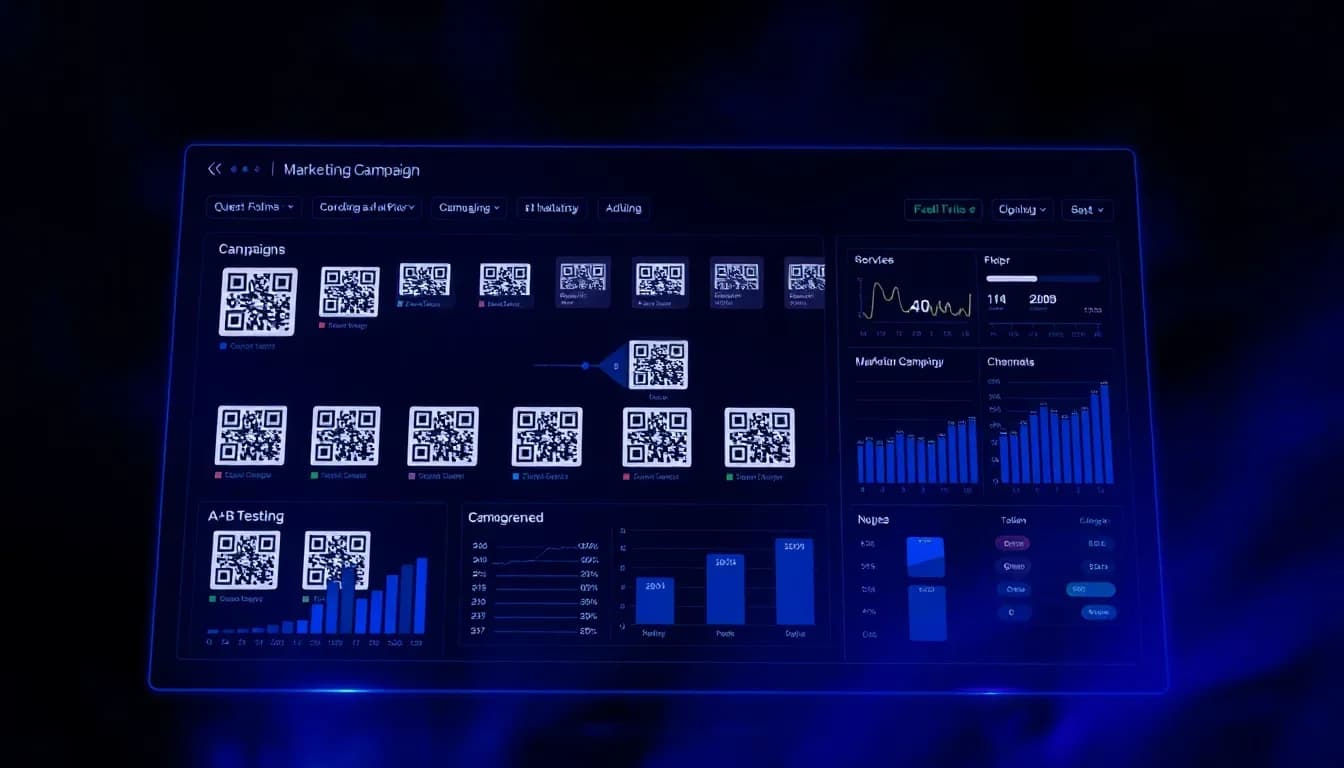
QR Code Campaign Management: Organize, Track & Compare
Stop managing QR codes in spreadsheets. Learn how to group codes into campaigns, track combined performance, and compare results by channel.
Read More
QR Code Team Collaboration: Manage QR Codes Together
Stop juggling spreadsheets and shared folders. Learn how teams use QR-Verse to create, organize, and track QR codes from one shared workspace.
Read More