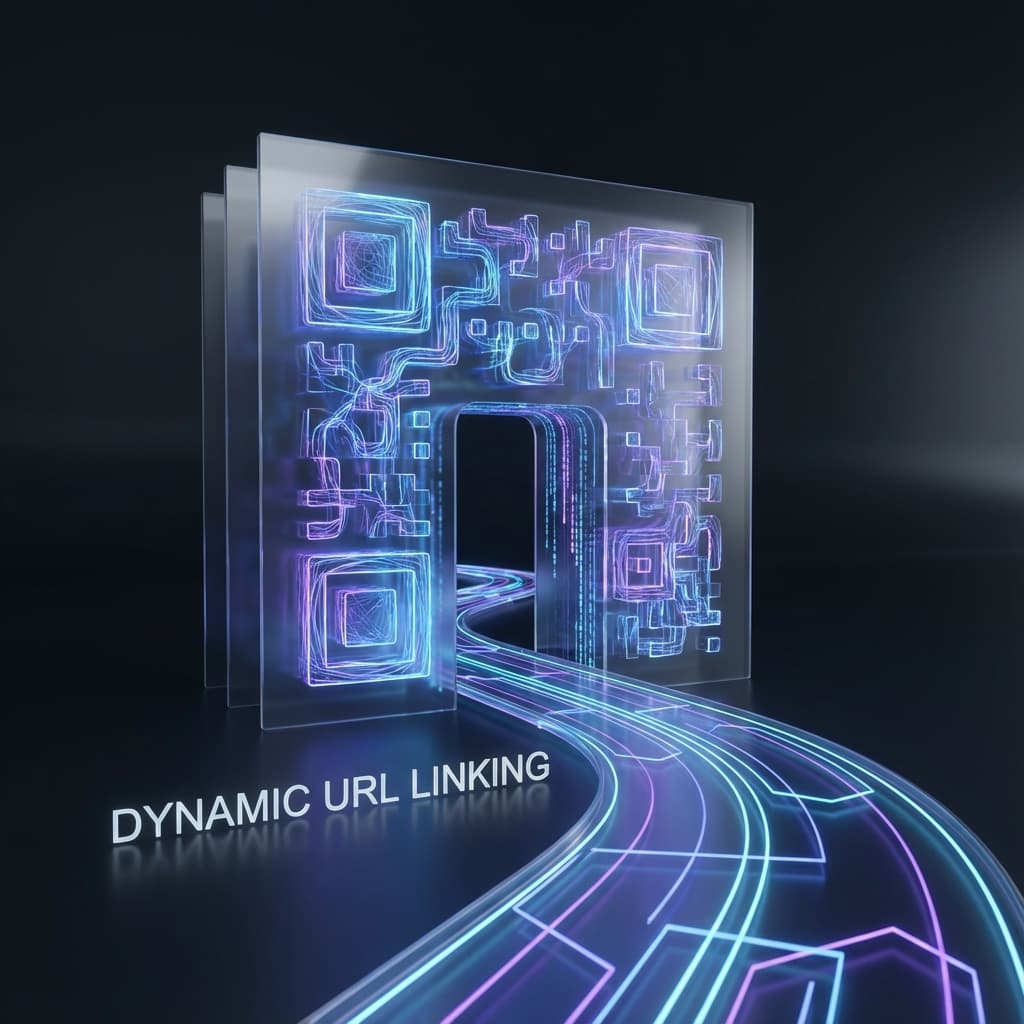
La Guía Definitiva de Códigos QR URL: Dinámico vs. Estático
El Código QR URL es la columna vertebral de la web móvil moderna. Conecta el mundo físico con el digital con un solo escaneo. Pero no todos los códigos URL son iguales. En esta guía, profundizamos en la mecánica de los códigos URL Dinámicos, por qué son esenciales para campañas serias y cómo crearlos gratis.
¿Qué es un Código QR URL?
Un Código QR URL es un tipo específico de código de barras 2D que almacena una dirección web (URL). Al escanearlo con la cámara de un smartphone, abre automáticamente el navegador web predeterminado y navega al enlace codificado.
Los códigos QR URL usan corrección de errores Reed-Solomon, permitiéndoles ser escaneables incluso si hasta el 30% de la imagen está dañada.
¿Por Qué Usar un Código QR URL?
Acceso Instantáneo
Elimina errores de escritura
Analíticas Rastreables
Mide el engagement del mundo real
Sin Contacto
Compartir información segura e higiénica
Versátil
Funciona en todo smartphone moderno sin app
Estático vs. Dinámico: La Diferencia Crítica
Cuando generas un código QR 'Estático' estándar, la URL de destino está codificada en el patrón del cuadrado. Cuanto más compleja la URL, más complejo el patrón.
Limitaciones Estáticas
- • Cannot change URL after printing
- • No scan analytics or tracking
- • Complex patterns are harder to scan
- • Typo in the link? You have to reprint everything
Dynamic Advantages
- • Edit destination URL anytime
- • Real-time scan tracking (Location, Device)
- • Simple pattern = Faster scanning
- • Advanced features like password protection
QR-Verse defaults to Dynamic Linking for this very reason. When you use our "URL" generator, we create a short redirection link (e.g., qr-verse.com/x/abcd). This link points to your destination. Because the short link is simple, the QR code remains clean and scannable, even at small sizes.
How to Create a URL QR Code (Step-by-Step)
1. Select URL Type
Choose 'Website URL' from the generator menu at the top of the page. This is the standard format for linking to web pages.
2. Paste Your Link
Copy the full URL (including https://) from your browser and paste it into the input field. We'll automatically validate it.
3. Customize Design
Don't settle for boring back-and-white. Add your brand colors, upload a logo to the center, and choose a frame that says 'Scan Me'.
4. Download & Print
Download your high-resolution QR code. We recommend SVG format for large professional prints, or PNG for general usage.
Top Use Cases for URL QR Codes
1. Retail Product Packaging
Space on packaging is premium. A small QR code can link to a vast amount of information: video tutorials, sustainability reports, or warranty registration pages. Since the code is dynamic, you can update the landing page seasonally without redesigning the box.
2. Real Estate Flyers
Why put a long Zillow link on a printed flyer? A QR code allows potential buyers to instantly view the full gallery, 3D tour, and price. Agents can track how many people scanned the flyer versus the "For Sale" sign.
3. Digital Business Cards
Link directly to your LinkedIn, portfolio, or a "Link-in-Bio" page. This ensures your network always has your most up-to-date contact info.
Ready to create your first Dynamic URL?
It's completely free on QR-Verse. No credit card required. No signup needed for unlimited Static codes.
Generate URL QR CodeTroubleshooting: Why is my QR Code not scanning?
Low Contrast
Ensure the foreground (pixels) is darker than the background. Light-on-dark (inverted) codes are often not readable by standard cameras.
Quiet Zone Violation
Every QR code needs a white border (quiet zone) around it. Do not crop the image too tightly; the scanner needs this empty space to detect the code.
Size Too Small
For print, the minimum recommended size is 2cm x 2cm (0.8 inches). If printing on a billboard, the code needs to be much larger relative to the viewing distance.
Blurry Image
Always use vector formats (SVG, EPS) for print to avoid pixelation. Blurry edges make it impossible for the scanner to resolve the modules.
Frequently Asked Questions
Is QR-Verse really free?
Yes. You can generate unlimited Static QR codes without any account or payment. They never expire. For Dynamic codes with tracking, we offer a free tier.
Do these QR codes expire?
Static QR codes never expire because the link is directly embedded in the code. Dynamic codes will work as long as your account is active.
Can I use these for commercial purposes?
Absolutely. You can use QR-Verse codes on product packaging, billboards, and marketing campaigns with no restrictions.
What is the difference between PNG and SVG?
PNG is a raster image pixel-based format good for web and small prints. SVG is a vector format that scales infinitely without losing quality, making it perfect for large prints.
Best Practices for Success
- Add a Call-to-Action (CTA): Don't just print the code. Put text under it like "Scan for Menu" or "Watch Video". This increases scan rates by up to .
- Custom Branding: A black and white square is boring. Use QR-Verse's styling tools to add your brand colors and logo. This builds trust.
- Test Before Printing: Always scan your code with multiple devices (iOS and Android) and in different lighting conditions before doing a bulk print run.
Try our free tools:
Crea tu código QR en segundos
Sin registro, sin tarjeta de crédito. Más de 20 tipos de QR con personalización completa y analytics gratis.
Related Articles
URL QR Code Guide: Create Trackable, Editable Links
Everything you need to know about URL QR codes. Learn how to create dynamic, trackable links with custom designs — free, no sign-up required.
Read moreApp Download QR Code: One Code for iOS and Android
Stop printing two QR codes. Create a single smart app download QR that detects the device and routes to the correct App Store or Google Play listing.
Read moreWiFi QR Code Generator: Share Your Network Instantly
Create a WiFi QR code that lets guests connect with a single scan. Complete guide for homes, cafes, hotels, and offices — no password typing needed.
Read more