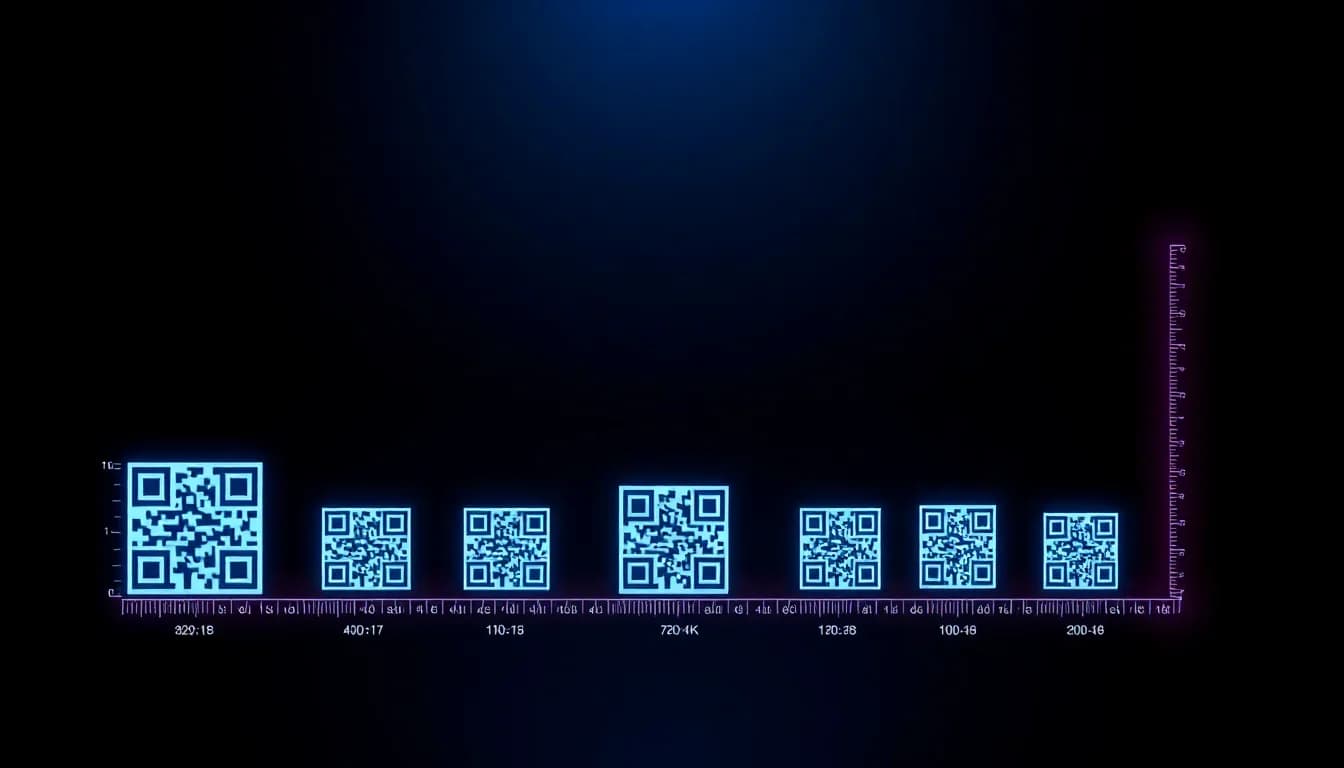
Un code QR qui ne se scanne pas est pire que pas de code QR du tout. Que vous imprimiez sur des cartes de visite, des panneaux d'affichage ou des emballages produit, obtenir la bonne taille fait la différence entre un scan réussi et un client frustré. Ce guide couvre tout ce qu'il faut savoir sur le dimensionnement des codes QR, la qualité d'impression et les formats de fichier - avec des recommandations pratiques pour chaque cas d'usage.
Vous voulez essayer vous-même ? Le générateur est gratuit et s'ouvre immédiatement.
Créer un code QRLa règle du ratio 10:1
La règle la plus importante pour le dimensionnement des codes QR est le ratio de distance de scan. Cette formule simple vous indique exactement la taille nécessaire pour votre code QR.
Taille du code QR = Distance de scan / 10
Si quelqu'un va scanner à 1 mètre de distance, votre code QR doit mesurer au moins 10 cm. À 3 mètres ? Au moins 30 cm. À 30 cm (comme une carte de visite) ? Au moins 3 cm.
Ce ratio 10:1 fonctionne pour les codes QR standards avec une densité de données modérée. Si votre code QR contient une URL très longue ou beaucoup de données, augmentez la taille de 20 à 30 % car la densité de modules est plus élevée.
Règles de taille minimale
En dessous de ces minimums, la plupart des caméras de smartphones peineront à scanner de manière fiable - surtout en faible éclairage ou sous un angle.
Minimum absolu : 1,5 x 1,5 cm
La plus petite taille possible pour un code QR qui reste scannable avec les téléphones modernes. Ne fonctionne que pour les URL courtes avec une correction d'erreur élevée. Doit être imprimé à 300+ DPI.
Minimum recommandé : 2 x 2 cm
Le minimum recommandé pour le scan rapproché (cartes de visite, étiquettes produit). Fonctionne de manière fiable avec la plupart des densités de codes QR.
Zone de silence : 4 modules de large
La bordure vierge autour du code QR est obligatoire. Sans elle, les scanners ne peuvent pas détecter où commence le code. Ne rognez jamais cette marge.
La correction d'erreur compte
Une correction d'erreur plus élevée (Niveau H = 30 %) rend les codes scannables même partiellement endommagés - mais nécessite plus de modules, donc le code doit être plus grand pour les mêmes données.
Tailles recommandées par cas d'usage
Voici des recommandations de taille éprouvées pour les placements de codes QR les plus courants :
| Support | Minimum | Recommandé | Distance de scan |
|---|---|---|---|
| Carte de visite | 1,5 cm | 2 - 2,5 cm | 15 - 30 cm |
| Étiquette produit | 2 cm | 2,5 - 3 cm | 20 - 40 cm |
| Flyer / Brochure | 2,5 cm | 3 - 4 cm | 30 - 50 cm |
| Publicité magazine | 3 cm | 4 - 5 cm | 30 - 60 cm |
| Affiche (A3/A2) | 5 cm | 8 - 10 cm | 0,5 - 1,5 m |
| Vitrine de magasin | 10 cm | 15 - 20 cm | 1 - 2 m |
| Bannière / Roll-up | 15 cm | 20 - 25 cm | 1,5 - 3 m |
| Panneau d'affichage | 30 cm | 50+ cm | 3 - 10 m |
| Flocage véhicule | 10 cm | 15 - 20 cm | 1 - 3 m |
| Chevalet de table / Menu | 3 cm | 4 - 5 cm | 30 - 60 cm |
Créez des codes QR prêts à imprimer
QR-Verse génère des codes QR haute résolution en formats SVG et PNG - parfaits pour toute taille d'impression. Gratuit, sans compte requis.
Générer un code QR →Meilleurs formats de fichier pour l'impression
Le format de fichier que vous choisissez affecte directement la qualité d'impression. Voici quoi utiliser et quand :
SVG (vectoriel)
Redimensionnable à l'infini sans perte de qualité. Le code QR est composé de formes mathématiques, pas de pixels - il reste net à toute taille, des cartes de visite aux panneaux d'affichage.
Idéal pour : Toutes les applications d'impression. Utilisez toujours le SVG quand c'est possible.
PDF (vectoriel)
Comme le SVG mais dans un conteneur standard pour l'impression. La plupart des imprimeries préfèrent les fichiers PDF. Beaucoup de générateurs QR exportent directement en PDF.
Idéal pour : Travaux d'impression professionnels, envoi aux imprimeries.
PNG (raster)
Format à base de pixels. Correct pour le numérique et les petits formats si exporté en haute résolution (300+ DPI à la taille cible). Deviendra flou si agrandi.
Idéal pour : Écrans numériques, signatures d'e-mail, petite impression à taille connue.
EPS (vectoriel)
Format vectoriel ancien encore utilisé par certaines imprimeries et graphistes. Entièrement redimensionnable comme le SVG.
Idéal pour : Intégration dans les mises en page Adobe Illustrator ou InDesign.
Liste de vérification de qualité d'impression
Suivez ces règles pour que vos codes QR se scannent parfaitement à l'impression :
- Imprimez à 300 DPI minimum - Pour les fichiers PNG, calculez les pixels nécessaires : taille en pouces x 300. Un code QR de 3 cm nécessite environ 354 x 354 pixels au minimum.
- Maintenez un contraste élevé - Modules sombres sur fond clair. Noir sur blanc donne le meilleur taux de scan. Évitez les couleurs claires sur fond clair.
- N'inversez pas les couleurs - Un code QR blanc sur fond sombre se scanne mal sur de nombreux appareils. Si vous devez inverser, testez abondamment sur des téléphones anciens.
- Gardez la zone de silence - Laissez au moins 4 modules de largeur d'espace vide autour du code QR. Ne laissez pas d'autres éléments graphiques empiéter sur cette bordure.
- Testez avant impression en série - Imprimez toujours une copie test et scannez avec plus de 3 téléphones différents avant d'envoyer un lot à l'imprimeur. Testez dans l'environnement réel (éclairage, distance).
- Utilisez le mode couleur CMJN - Pour l'impression professionnelle, convertissez les couleurs de RVB à CMJN. Le noir RVB semble différent en CMJN - utilisez du 100 % K (noir pur) pour les modules du QR.
- Évitez les fonds perdus et les repères sur le code - Si votre design a un fond perdu, assurez-vous que le code QR se trouve bien à l'intérieur de la zone de coupe avec une marge supplémentaire.
Considérations liées aux matériaux et surfaces
La surface sur laquelle vous imprimez affecte la lisibilité autant que la taille :
Papier mat
Le meilleur pour les codes QR. Pas de reflet, contraste constant. Fonctionne dans toutes les conditions d'éclairage.
Papier brillant
Peut causer des reflets sous une lumière directe, rendant le scan difficile. Inclinez le papier ou utilisez un revêtement anti-reflet.
Verre / Vitrine
Fonctionne bien avec des autocollants vinyle. Attention aux reflets et au contre-jour. Un fond blanc derrière le code aide.
Métal / Aluminium
Les codes QR gravés ou découpés fonctionnent. Les autocollants imprimés sur métal sont plus fiables. Attention aux reflets.
Tissu / Textile
Les codes QR tissés ou imprimés fonctionnent si la trame est assez fine. Testez à l'échelle - la déformation du tissu peut casser les codes.
Surfaces courbées
Bouteilles, canettes, tubes - la courbure déforme le code. Augmentez la taille de 20 à 30 % et testez depuis l'angle de scan le plus courant.
Dimensionnement des codes QR pour les écrans numériques
Pour les sites web et les e-mails, les codes QR doivent mesurer au moins 240 x 240 pixels pour un scan confortable depuis un écran de téléphone. Pour les designs mobile-first, visez 300+ pixels de large.
Pour les écrans TV ou de présentation, la règle du 10:1 s'applique toujours. Une présentation en salle de conférence vue à 3 mètres nécessite un code QR d'au moins 30 cm de large à l'écran.
Pour l'affichage numérique (bornes, écrans), testez la distance de scan réelle. Les écrans intérieurs ont souvent des reflets - augmentez le contraste et la taille. Un code de 15 cm sur un écran lumineux se scanne d'environ 1 mètre de manière fiable.
Erreurs de dimensionnement courantes à éviter
Trop petit pour la distance
L'erreur numéro 1. Un code QR de 2 cm sur une affiche à 2 mètres de distance est illisible. Utilisez la règle du 10:1.
Rogner la zone de silence
Les designers aiment glisser les codes QR dans les coins. La bordure blanche n'est pas décorative - elle est fonctionnelle. La rogner casse le scan.
PNG basse résolution agrandi
Un code QR de 100x100 pixels étiré à 10 cm = un gâchis flou. Exportez toujours à la taille cible ou utilisez le SVG.
Trop de données dans un petit code
Les URL longues créent des codes QR denses. Utilisez un raccourcisseur d'URL ou les liens courts intégrés de QR-Verse pour garder le code simple et scannable en petit format.
Contraste de couleurs médiocre
Bleu sur violet, jaune sur blanc - si vous voyez à peine le code, votre téléphone non plus. Maintenez un contraste de luminosité d'au moins 40 %.
Ignorer l'environnement
Un code QR qui fonctionne dans votre bureau peut échouer en plein soleil sur une affiche brillante. Testez dans les conditions réelles.
Ressources connexes
- Générateur de codes QR
- Design de codes QR personnalisés
- Guide du marketing imprimé
- Codes QR dynamiques vs statiques
Prêt à imprimer ?
Générez votre code QR en format SVG pour une qualité d'impression parfaite à toute taille. Gratuit, illimité, avec analyses de scan intégrées.
Créer un code QR prêt à imprimer →Quelle est la taille minimale pour un code QR ?
Le minimum absolu est 1,5 x 1,5 cm pour le scan rapproché (15-30 cm). Pour un usage pratique, 2 x 2 cm est le minimum recommandé. Appliquez toujours la règle du 10:1 : distance de scan / 10 = taille minimale du code QR.
Quelle taille doit avoir un code QR sur une carte de visite ?
Au moins 2 cm x 2 cm, idéalement 2,5 cm. Les cartes de visite sont scannées à 15-30 cm de distance, donc cette taille convient bien. Gardez l'URL courte pour minimiser la densité du code.
À quelle résolution exporter un code QR pour l'impression ?
Exportez à 300 DPI minimum. Mieux encore, utilisez le SVG (format vectoriel) qui s'adapte à toute taille sans perte de qualité. Pour le PNG, calculez : taille en pouces x 300 = pixels nécessaires.
Puis-je intégrer un logo dans un code QR et l'imprimer petit ?
Oui, mais le logo occupe de l'espace normalement utilisé pour les données. Utilisez la correction d'erreur élevée (Niveau H) et augmentez la taille du code d'environ 30 % par rapport à un code QR sans logo pour compenser.
Qu'est-ce que la zone de silence d'un code QR ?
La zone de silence est la bordure blanche vierge autour du code QR. Elle doit faire au moins 4 modules (petits carrés) de large. Sans elle, les scanners ne peuvent pas détecter les limites du code. Ne rognez jamais cette marge.
Dois-je utiliser le PNG ou le SVG pour imprimer des codes QR ?
Le SVG dès que possible. C'est un format vectoriel qui reste parfaitement net à toute taille. N'utilisez le PNG que pour les écrans numériques ou quand vous connaissez la taille exacte d'impression et pouvez exporter à 300+ DPI.
Quelle taille doit avoir un code QR sur une affiche ?
Pour une affiche A3/A2 vue à 0,5-1,5 mètre, utilisez 8-10 cm. Pour des affiches plus grandes ou des panneaux vus de plus loin, appliquez la règle du 10:1 : 1 mètre de distance de scan = 10 cm de taille de code.
Les codes QR colorés doivent-ils être plus grands ?
Pas nécessairement plus grands, mais ils nécessitent un contraste suffisant. Les modules de couleur sombre sur fond clair fonctionnent le mieux. Évitez les couleurs claires ou pastel pour les modules du QR - ils réduisent la fiabilité du scan quelle que soit la taille.
Prêt à créer votre code QR ?
Plan gratuit disponible. Aucune inscription requise. Créez des codes QR professionnels en quelques secondes.
Prêt à l'essayer vous-même ?
Créez des codes QR professionnels avec suivi, couleurs personnalisées et art généré par IA.
Essayez nos outils gratuits :
Créez un Code QR en quelques secondes
Sans inscription, sans carte bancaire. 27 types de QR avec personnalisation complète. Passez à Pro pour une puissance illimitée.
Partager cet article
Articles connexes

QR code statique vs dynamique : différences et coûts
La différence en une phrase : un QR code statique est figé, un dynamique se modifie après impression. Coûts, suivi des scans et tableau de décision.
Lire la Suite
Codes QR Brandés : Couleurs, Logos & Design
Créez des QR codes à votre image avec vos couleurs, logo et design personnalisé. Guide gratuit pour construire des QR codes qui génèrent 80 % de scans supplémentaires.
Lire la Suite
Tableau de Bord QR Gratuit : Scans & Localisations
Accédez aux analytics en temps réel pour chaque QR code créé. Suivez les scans, localisations, appareils et tendances - entièrement gratuit avec QR-Verse.
Lire la Suite